> ## Documentation Index
> Fetch the complete documentation index at: https://meganharrisonconsulting.mintlify.site/llms.txt
> Use this file to discover all available pages before exploring further.
# Create a Commitment PCO
> Create a Commitment PCO to package a change event into a subcontractor- or vendor-facing potential change order.
Use this guide to create a Commitment PCO from a change event so downstream pricing stays tied to the right subcontract or purchase order.
## Prerequisites
* The change event already exists.
* The affected subcontract or purchase order already exists.
* You know which commitment should be changed and what the vendor-facing description or schedule impact should be.
## What you'll update
Keep the Commitment PCO tied to the originating change event instead of creating a disconnected downstream record.
Set the affected commitment, reason, title, schedule impact, and description needed for vendor pricing.
## Create the Commitment PCO
Open the change event that covers the downstream change and choose the action to create a **Commitment PCO**.
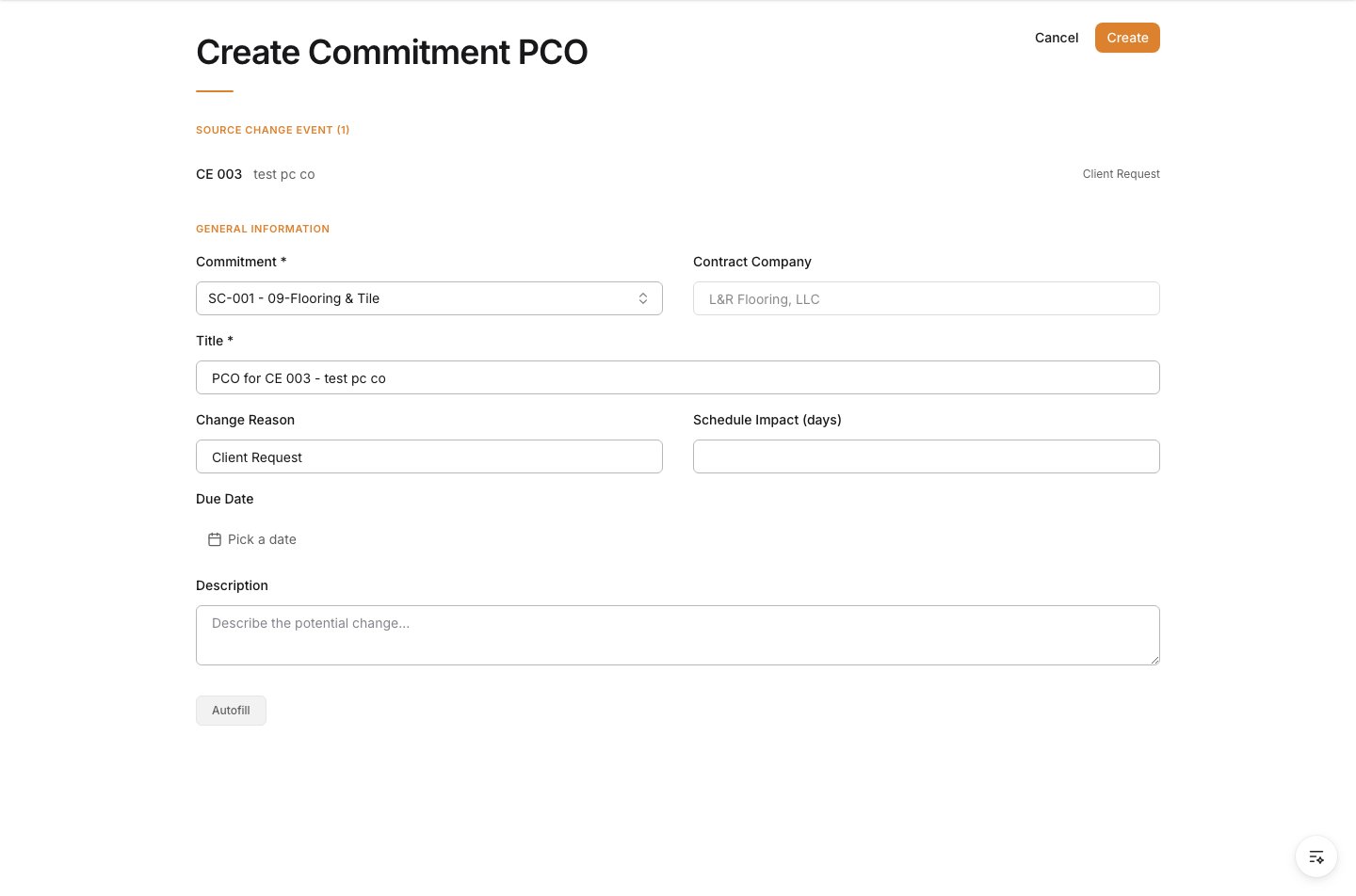 When the new Commitment PCO form opens, make sure the source change event is already listed at the top.
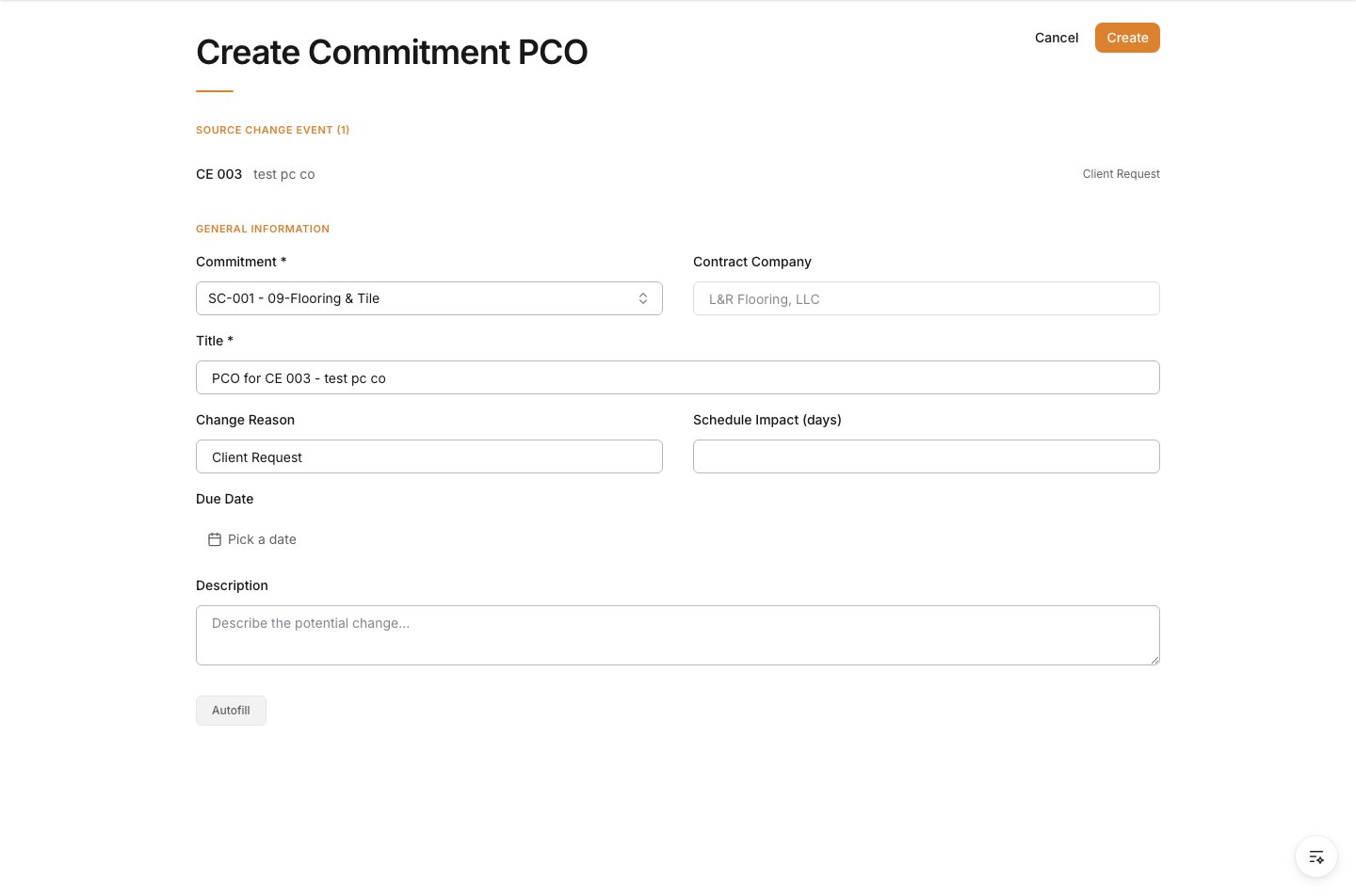 Choose the subcontract or purchase order that should carry the downstream change.
The contract company fills automatically from the selected commitment.
Choose the subcontract or purchase order that should carry the downstream change.
The contract company fills automatically from the selected commitment.
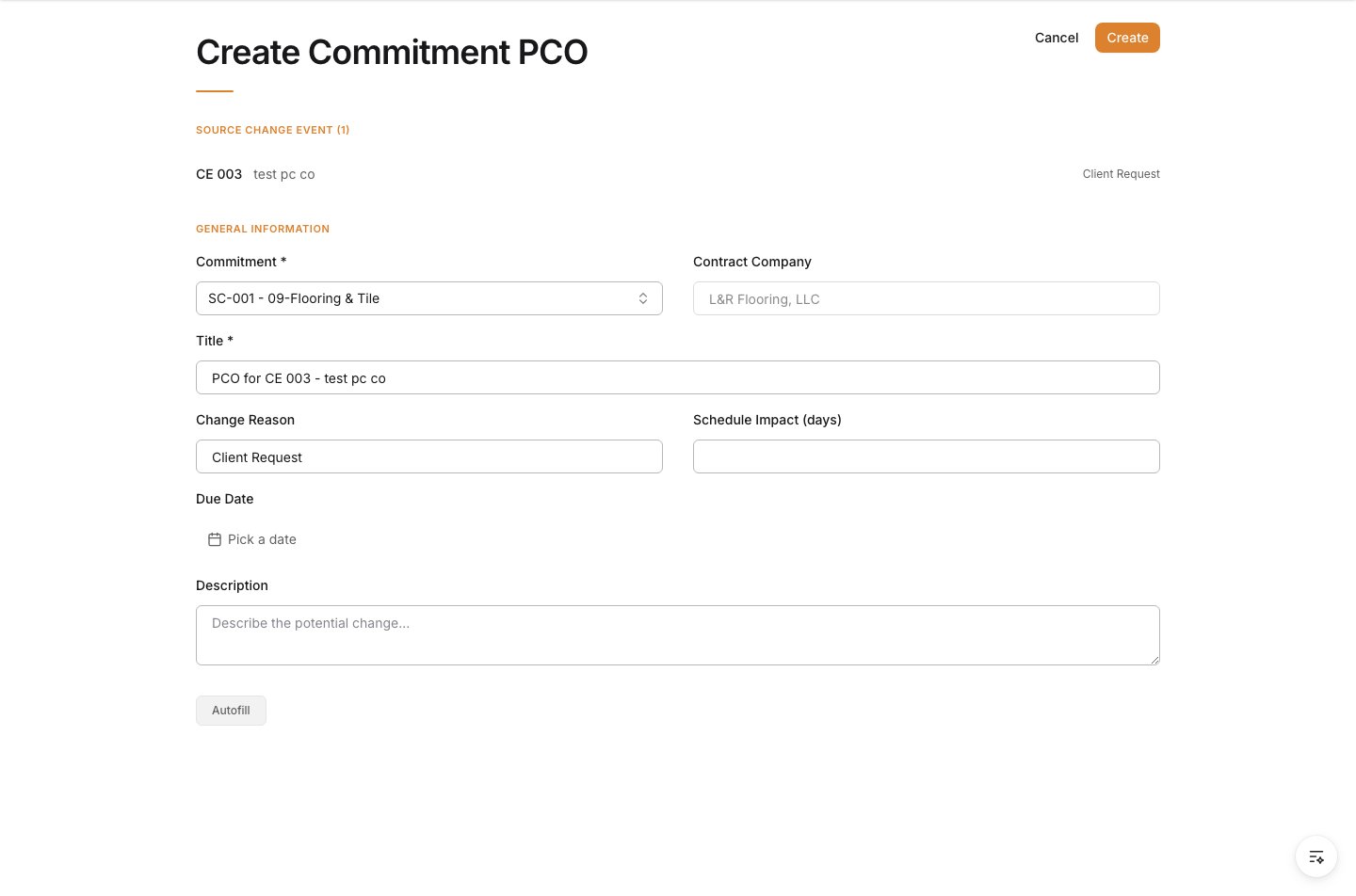 Set the general information that the subcontractor, vendor, and project team will use for pricing.
| Field | What to enter |
| --------------- | --------------------------------------------------- |
| Title | A short name for the potential change order. |
| Change Reason | The reason for the change if your team tracks it. |
| Schedule Impact | The number of days added or removed, if applicable. |
Set the general information that the subcontractor, vendor, and project team will use for pricing.
| Field | What to enter |
| --------------- | --------------------------------------------------- |
| Title | A short name for the potential change order. |
| Change Reason | The reason for the change if your team tracks it. |
| Schedule Impact | The number of days added or removed, if applicable. |
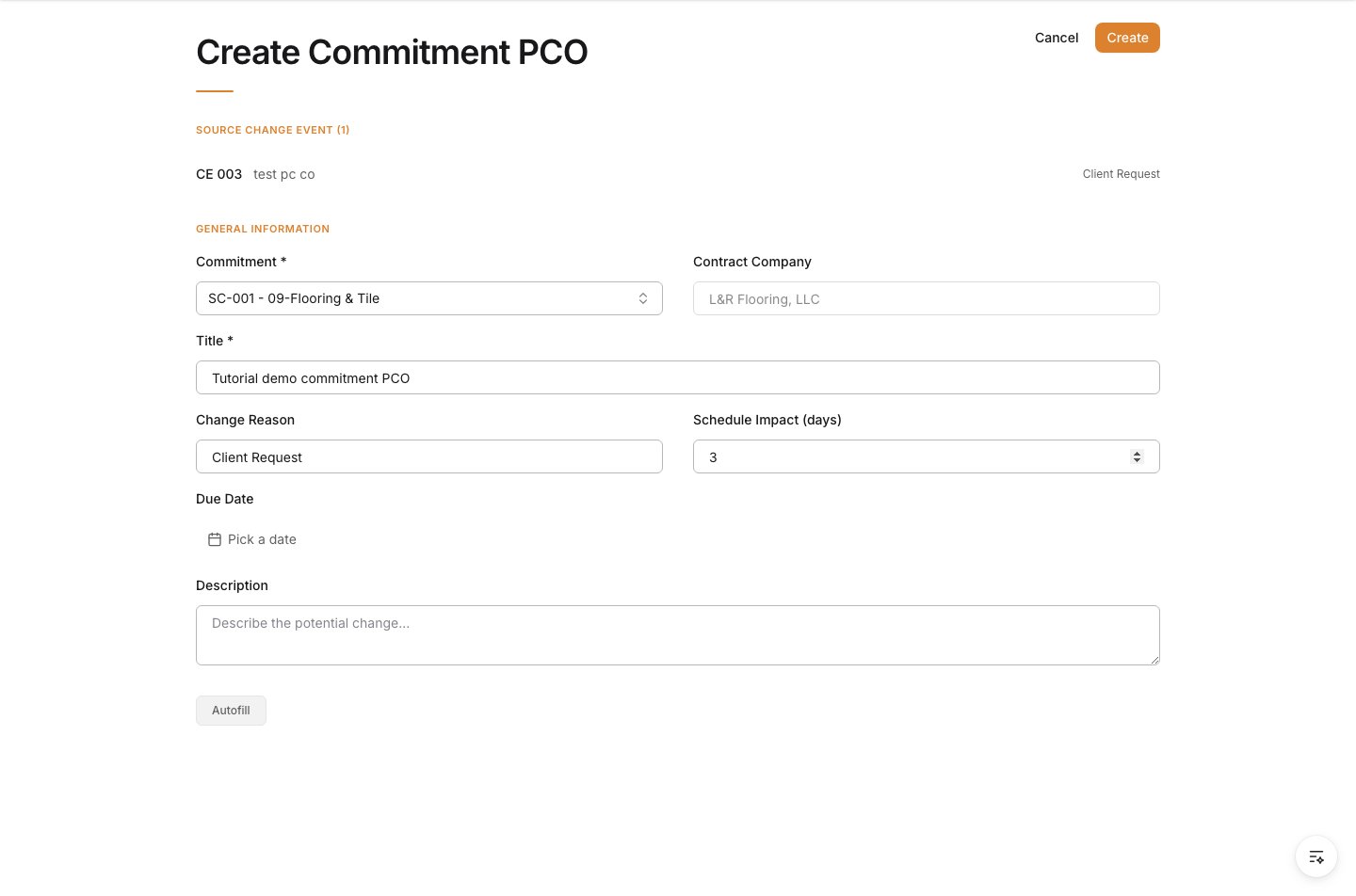 Use **Description** to explain the change clearly enough for vendor pricing and internal review.
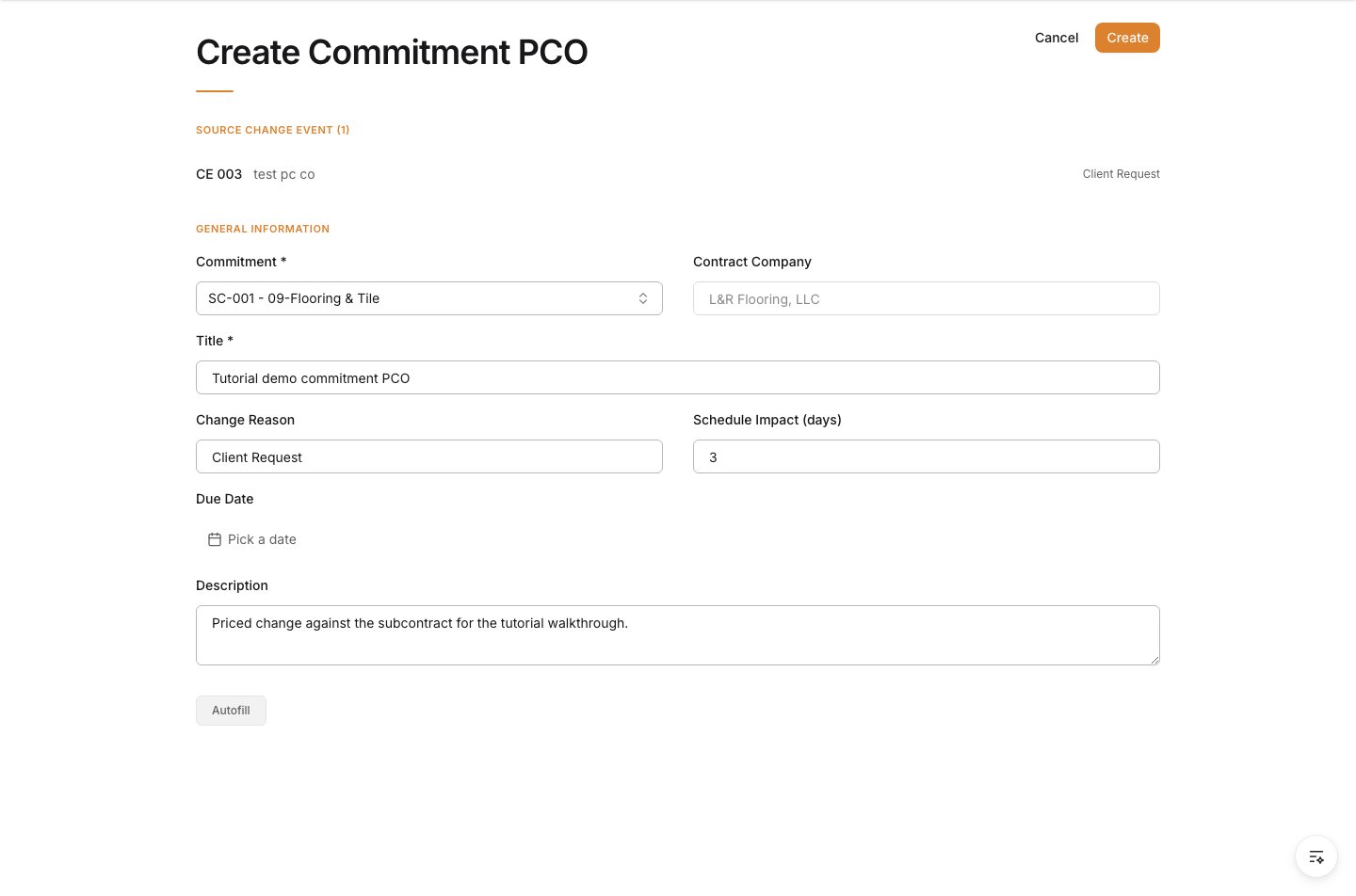 Review the form, then click **Create**.
 ## Verify the result
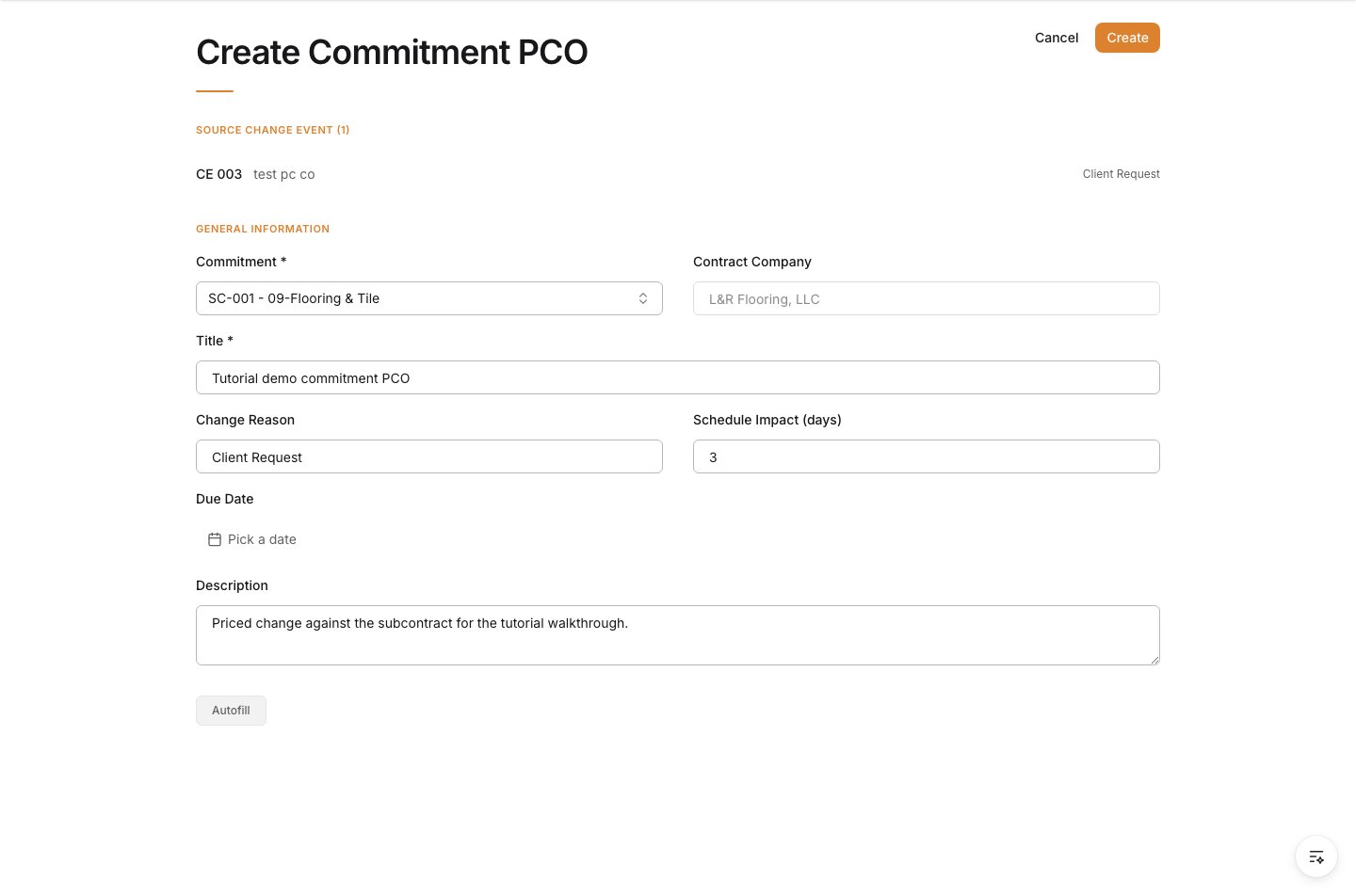
Confirm the Commitment PCO is saved against the correct subcontract or purchase order and still references the source change event that created it.
## Troubleshooting
* **The wrong commitment is selected**: Correct it before the PCO is used for vendor pricing or downstream approval.
* **The change event is not connected**: Restart from the change event so the pricing record remains traceable.
* **The description is too vague for pricing**: Expand it before sending the record to a subcontractor or vendor.
## Related tasks
* [Create a Change Event](/change-events/create-a-change-event)
* [Create a Subcontract Commitment](/commitments/create-a-subcontract)
* [Change Orders overview](/change-orders/change-orders)
## Verify the result
Confirm the Commitment PCO is saved against the correct subcontract or purchase order and still references the source change event that created it.
## Troubleshooting
* **The wrong commitment is selected**: Correct it before the PCO is used for vendor pricing or downstream approval.
* **The change event is not connected**: Restart from the change event so the pricing record remains traceable.
* **The description is too vague for pricing**: Expand it before sending the record to a subcontractor or vendor.
## Related tasks
* [Create a Change Event](/change-events/create-a-change-event)
* [Create a Subcontract Commitment](/commitments/create-a-subcontract)
* [Change Orders overview](/change-orders/change-orders)