> ## Documentation Index
> Fetch the complete documentation index at: https://meganharrisonconsulting.mintlify.site/llms.txt
> Use this file to discover all available pages before exploring further.
# Create a Prime PCO
> Create a Prime PCO to package a change event into an owner-facing potential change order against the correct prime contract.
Use this guide to turn a change event into a Prime PCO so the owner-facing amount, schedule impact, and supporting context are tied to the correct prime contract.
## Prerequisites
* The change event already exists.
* The affected prime contract already exists.
* You know the owner-facing amount, description, and schedule impact if one applies.
## What you'll update
Keep the Prime PCO tied to the change event that created it so downstream change-order history stays traceable.
Set the contract, amount, schedule impact, and attachments used for owner review.
## Create the Prime PCO
Open the change event that covers the work and choose the action to add it to a **Prime Contract PCO**.
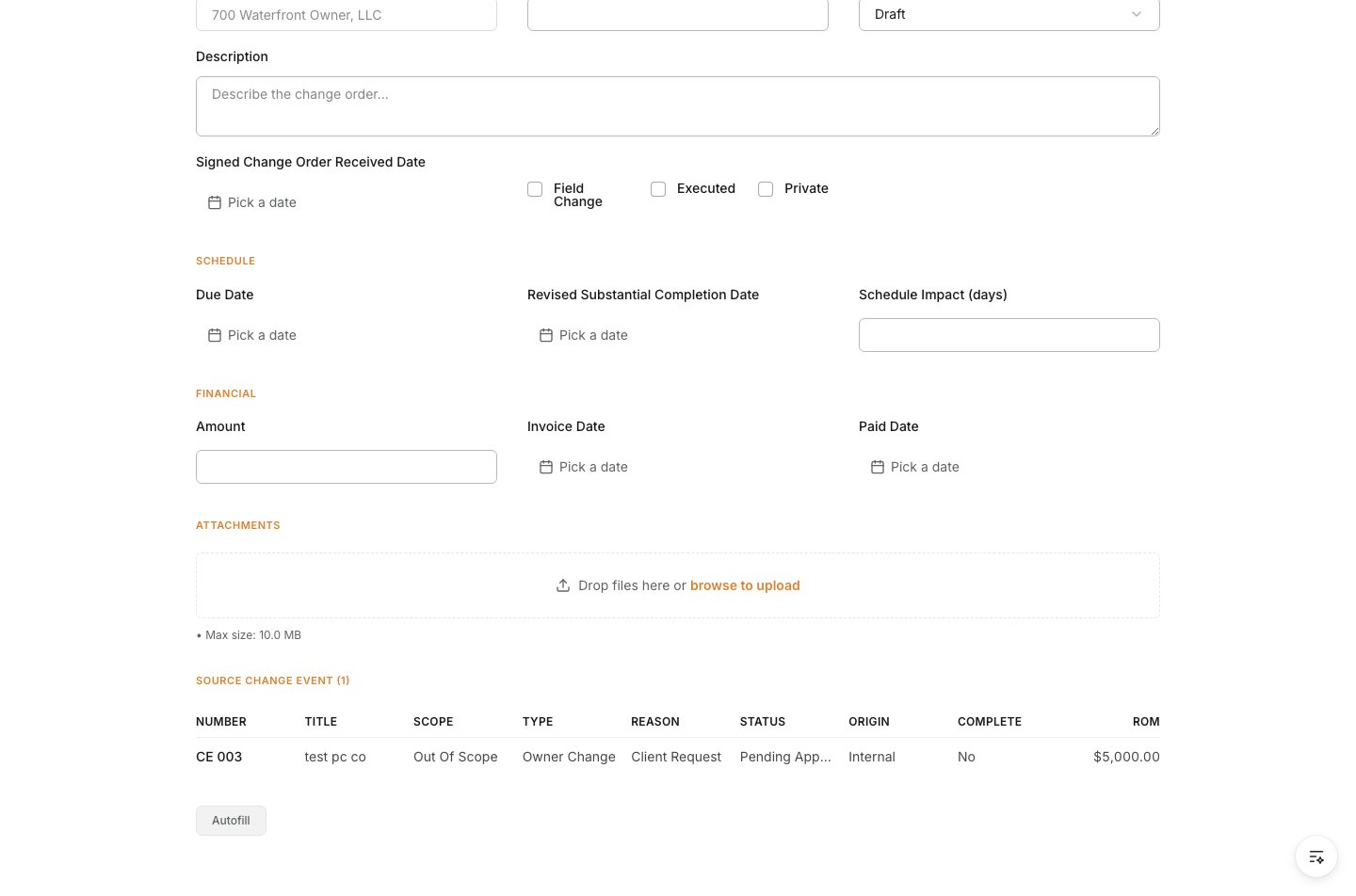 When the new Prime PCO form opens, make sure the source change event is already listed at the top of the record.
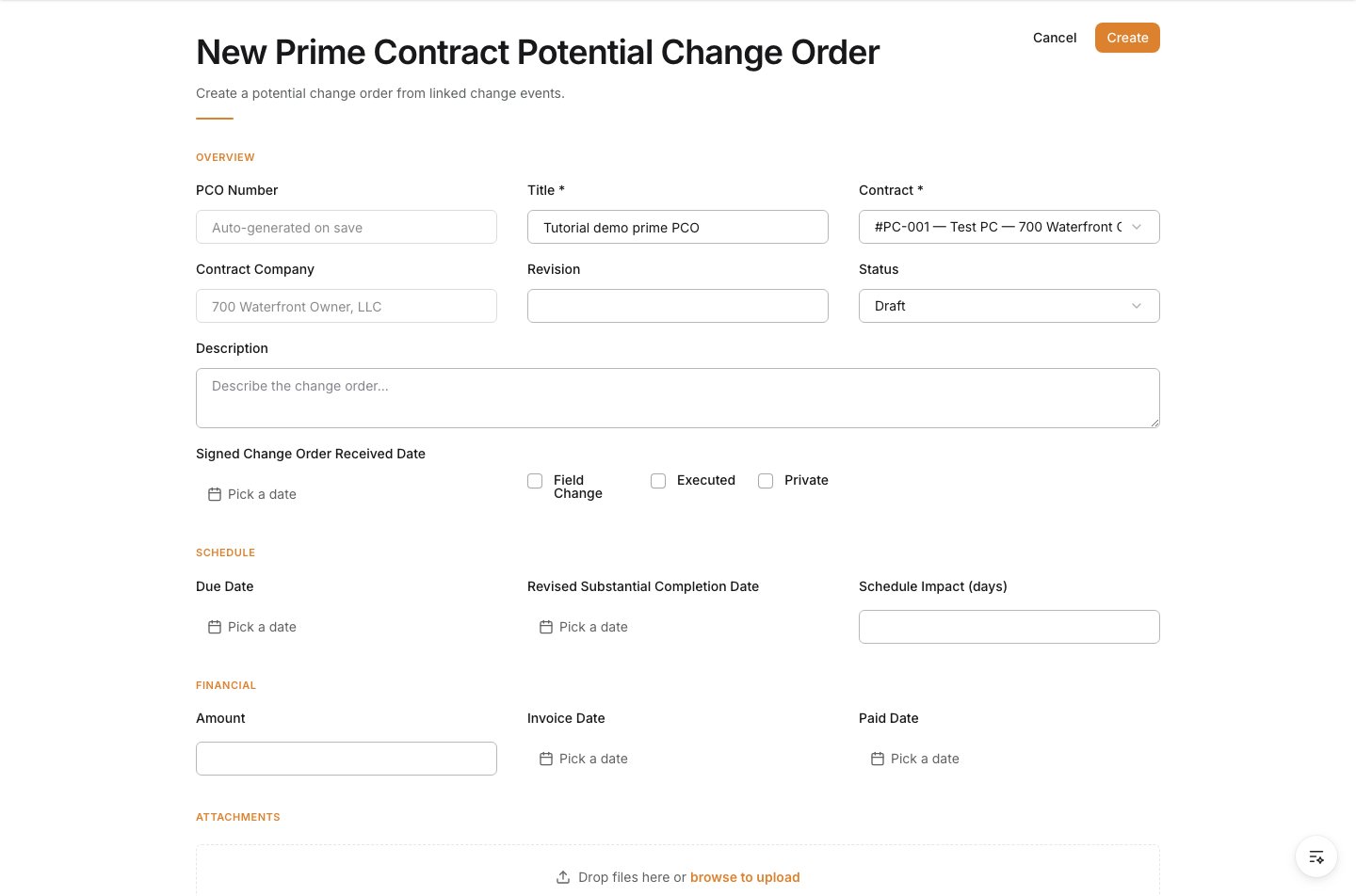
 Enter the owner-facing **Title** and select the **Contract** being amended.
| Field | What to enter |
| ---------------- | --------------------------------------------------------- |
| Title | A short owner-facing name for the potential change order. |
| Contract | The prime contract being changed. |
| Contract Company | Auto-fills from the selected contract. |
Enter the owner-facing **Title** and select the **Contract** being amended.
| Field | What to enter |
| ---------------- | --------------------------------------------------------- |
| Title | A short owner-facing name for the potential change order. |
| Contract | The prime contract being changed. |
| Contract Company | Auto-fills from the selected contract. |
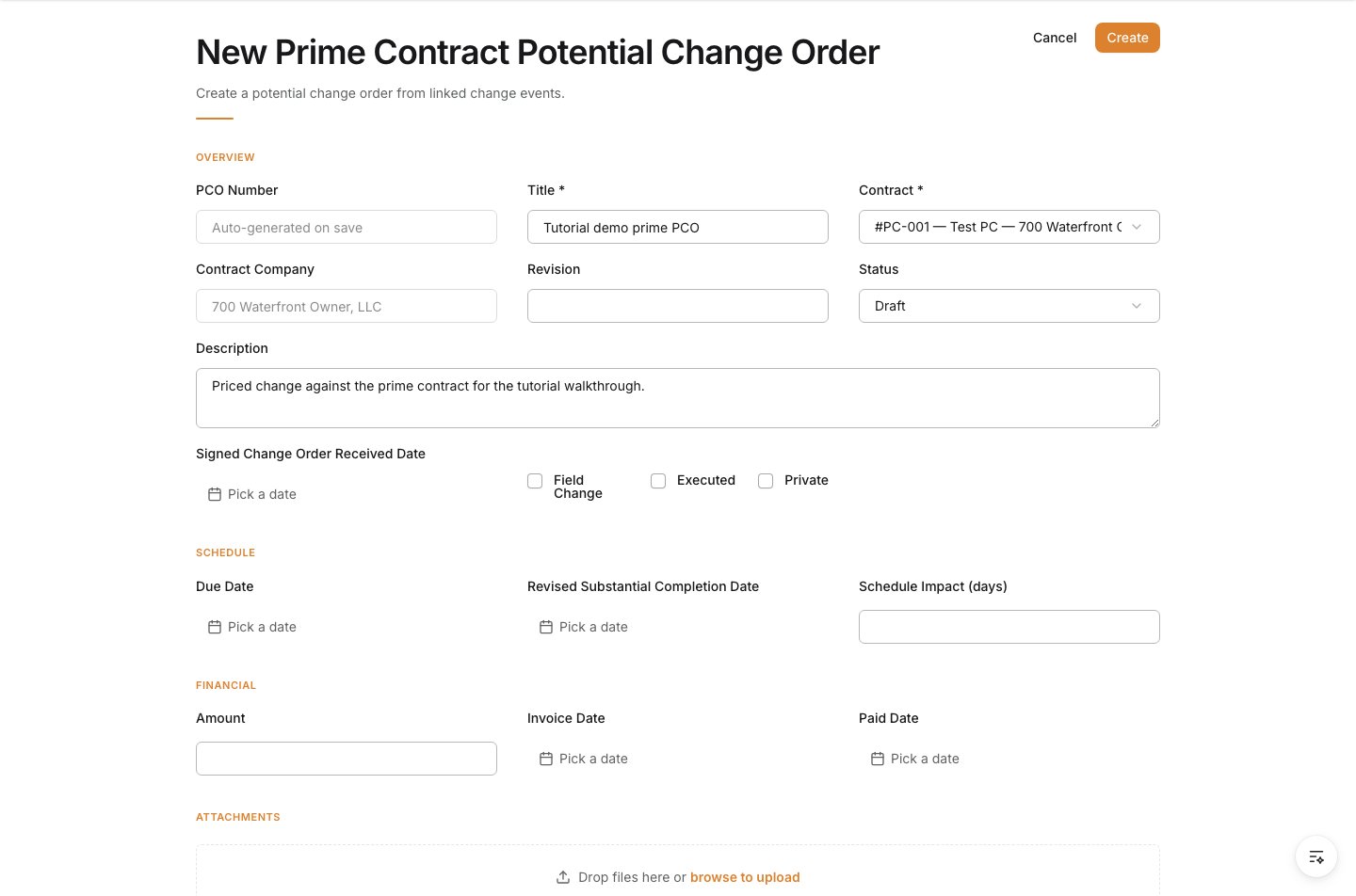
 Use **Description** to explain the change in language the owner can review and approve.
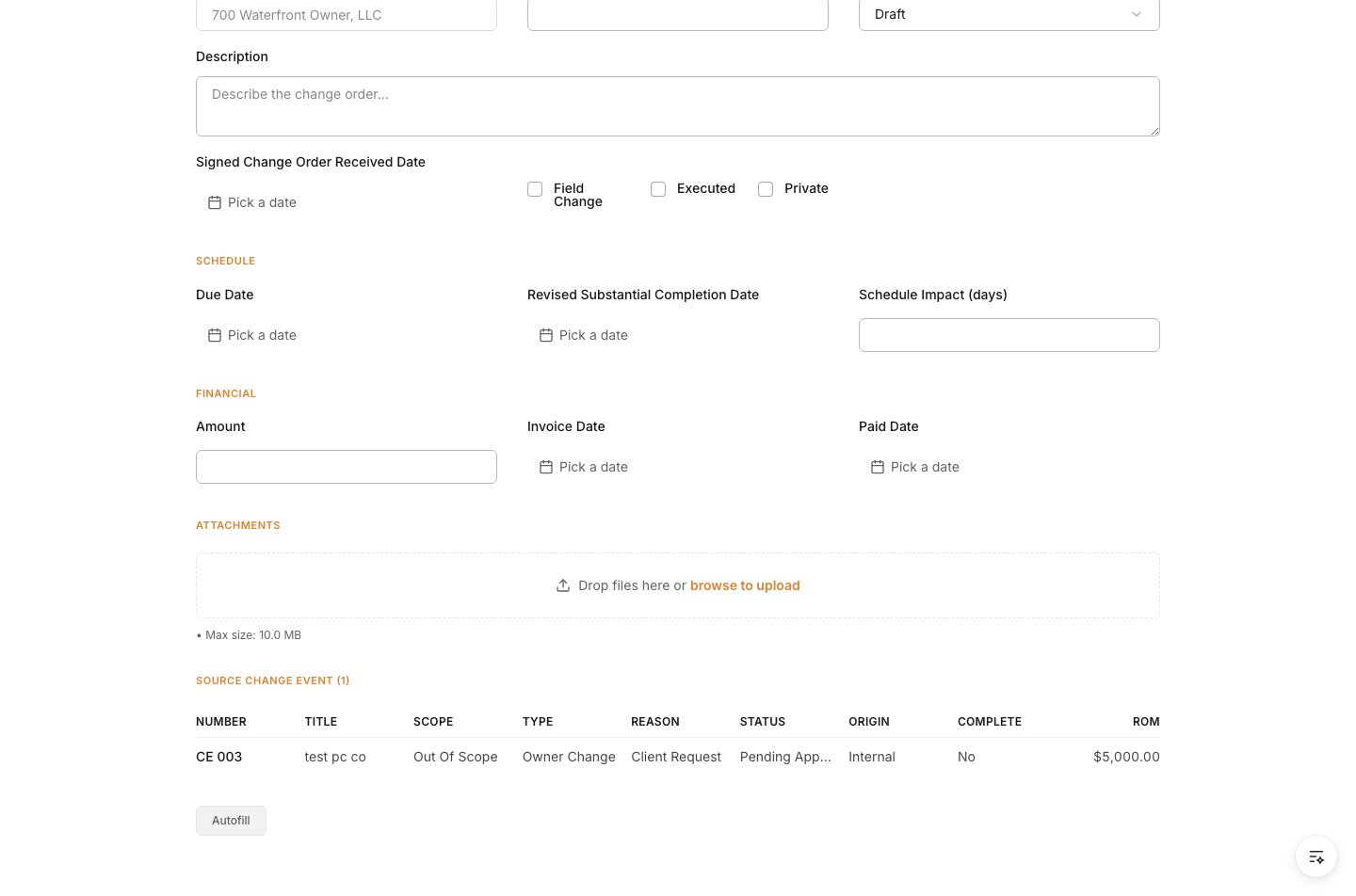
 Enter the number of days affected if the change impacts schedule, then enter the owner-facing amount.
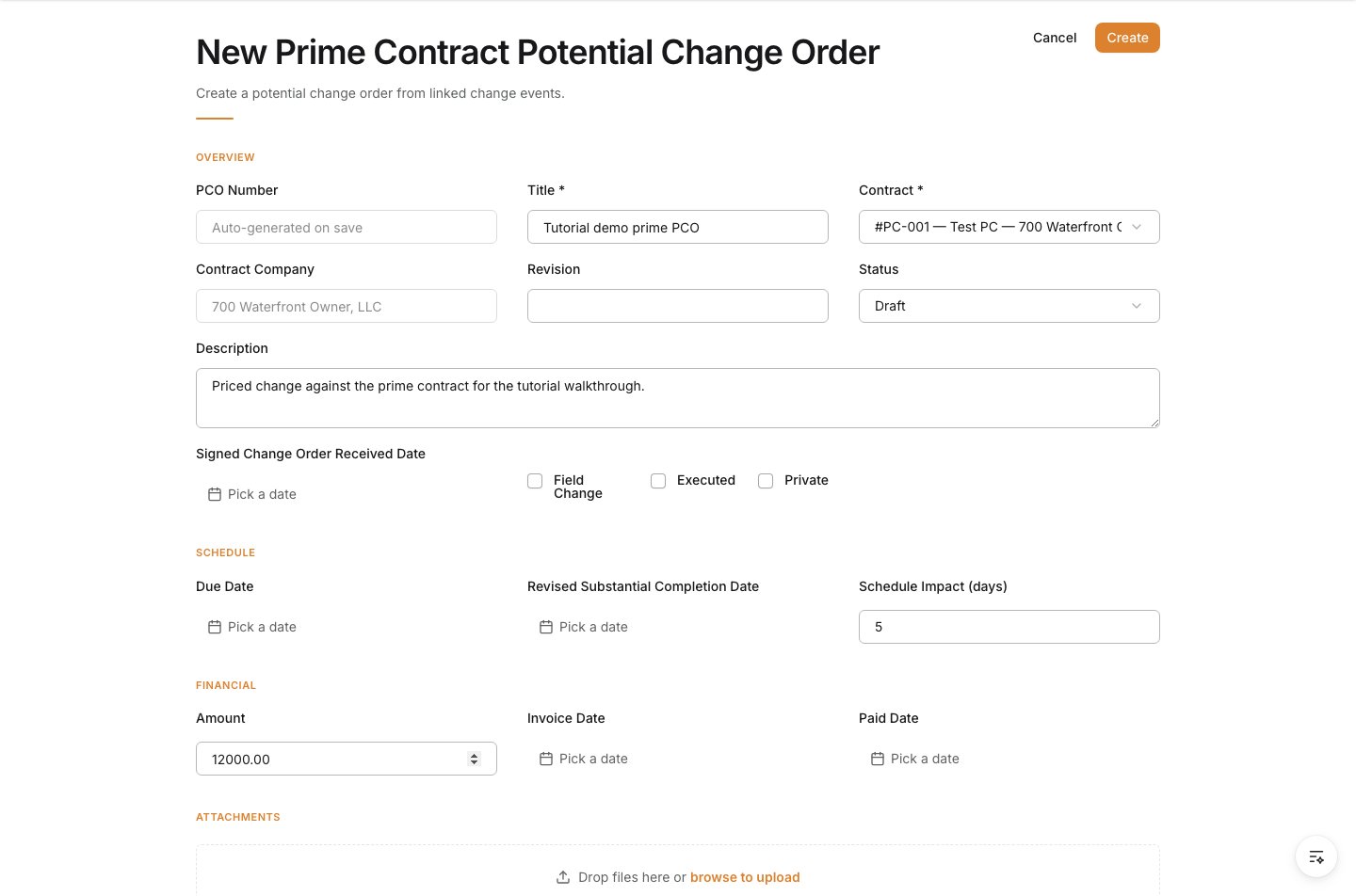 Upload the backup the owner-side review needs, such as RFIs, drawings, quotes, or narrative support.
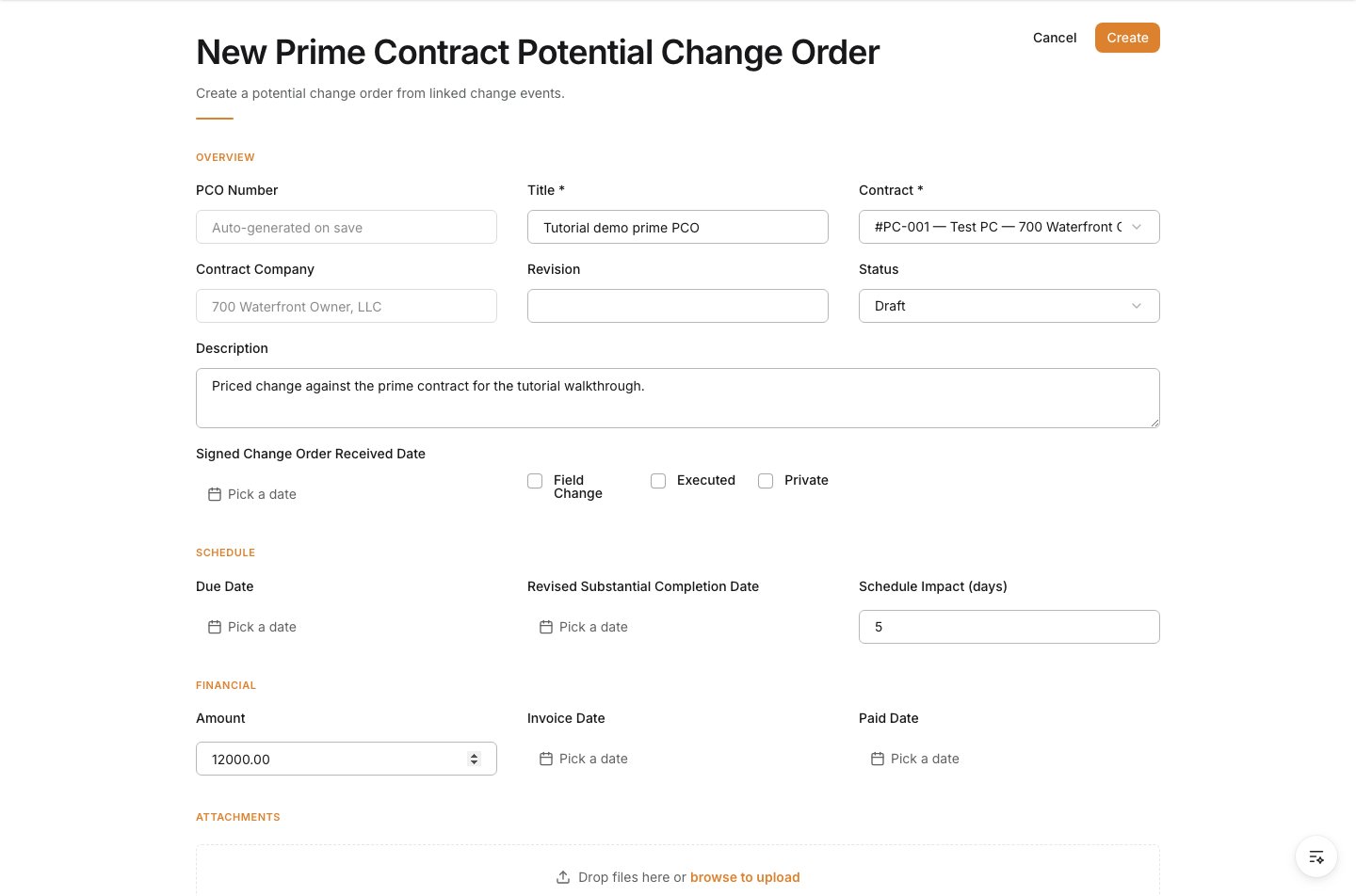
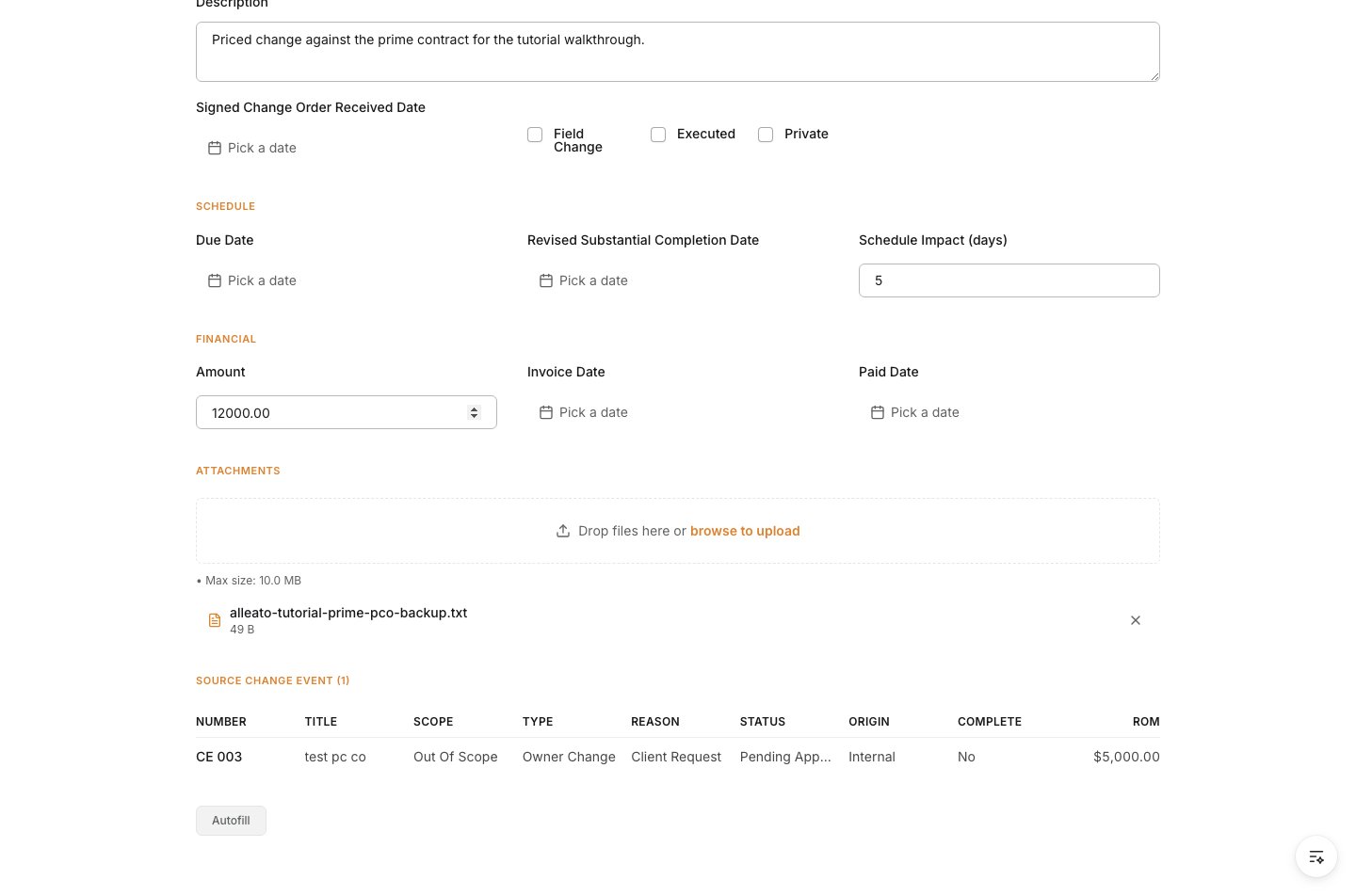 Review the form, then click **Create**.
 ## Verify the result
Confirm the Prime PCO is saved against the correct prime contract and still shows the source change event that created it.
## Troubleshooting
* **The wrong contract is selected**: Stop and correct the contract before the PCO is shared or assembled into an owner change order.
* **The source change event is missing**: Start from the change event again instead of creating the record as a disconnected owner-side request.
* **The owner amount is not final**: Save only when the owner-facing pricing is ready for review.
## Related tasks
* [Create a Change Event](/change-events/create-a-change-event)
* [Change Event to Change Order Workflow](/change-orders/change-event-to-change-order-workflow)
* [Create a Prime Contract](/prime-contracts/create-a-prime-contract)
## Verify the result
Confirm the Prime PCO is saved against the correct prime contract and still shows the source change event that created it.
## Troubleshooting
* **The wrong contract is selected**: Stop and correct the contract before the PCO is shared or assembled into an owner change order.
* **The source change event is missing**: Start from the change event again instead of creating the record as a disconnected owner-side request.
* **The owner amount is not final**: Save only when the owner-facing pricing is ready for review.
## Related tasks
* [Create a Change Event](/change-events/create-a-change-event)
* [Change Event to Change Order Workflow](/change-orders/change-event-to-change-order-workflow)
* [Create a Prime Contract](/prime-contracts/create-a-prime-contract)