

Prerequisites
- The change event already exists.
- The affected prime contract already exists.
- You know the owner-facing amount, description, and schedule impact if one applies.
What you’ll update
Source linkage
Keep the Prime PCO tied to the change event that created it so downstream change-order history stays traceable.
Owner-facing pricing
Set the contract, amount, schedule impact, and attachments used for owner review.
Create the Prime PCO
1
Start from the change event
Open the change event that covers the work and choose the action to add it to a Prime Contract PCO.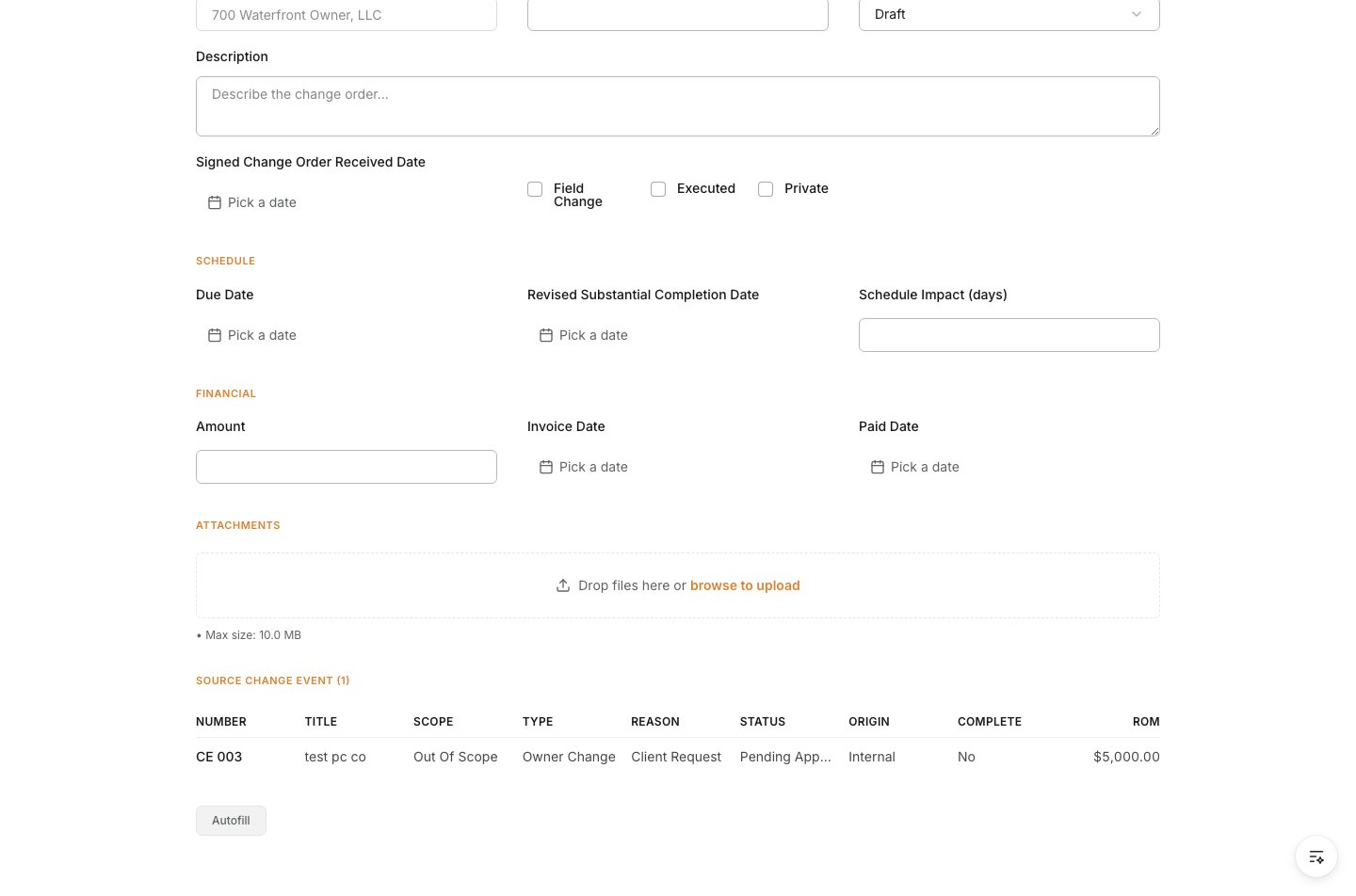
2
Confirm the source event is linked
When the new Prime PCO form opens, make sure the source change event is already listed at the top of the record.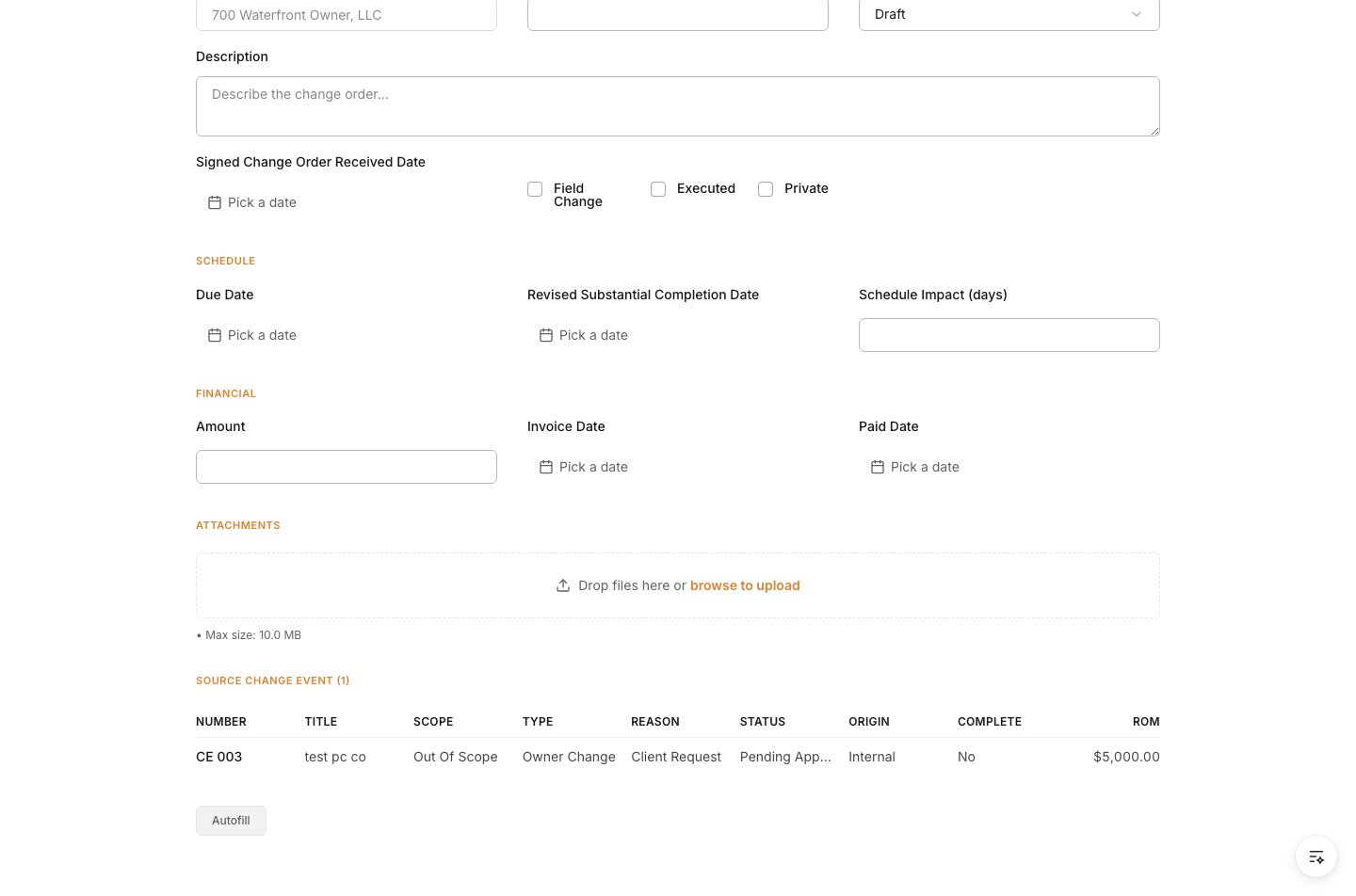
3
Set the overview fields
Enter the owner-facing Title and select the Contract being amended.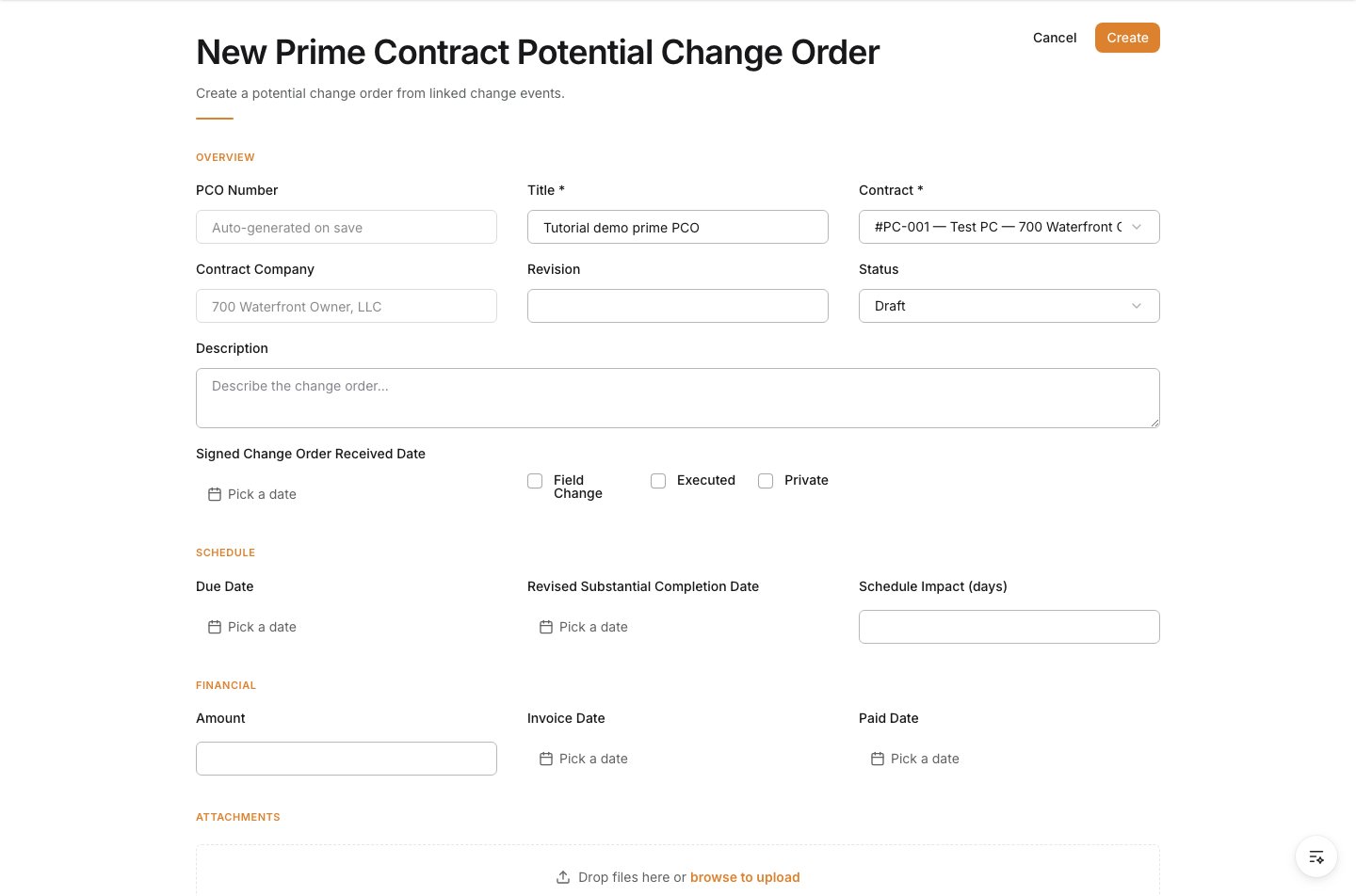
4
Describe the change clearly
Use Description to explain the change in language the owner can review and approve.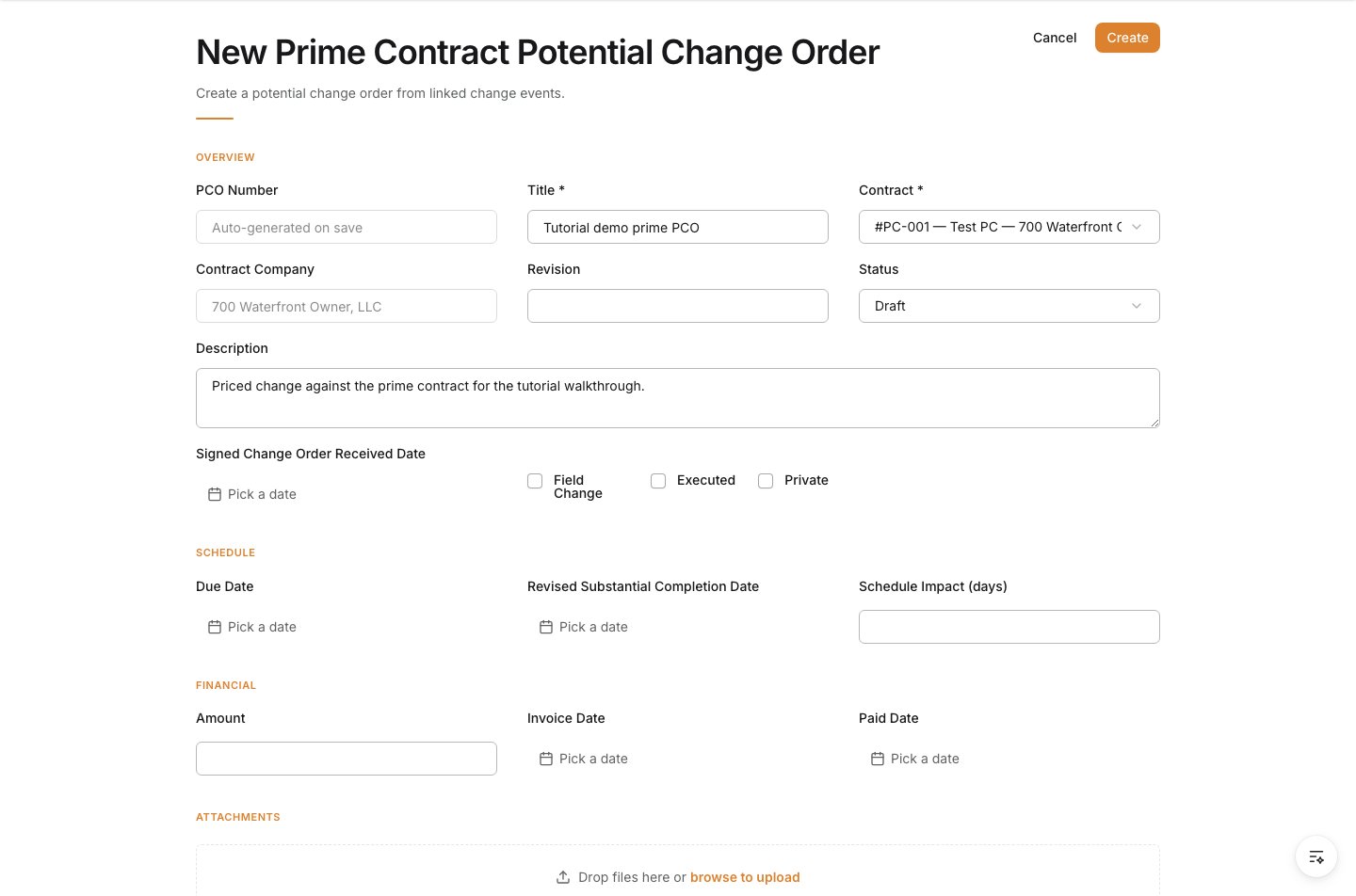
5
Set schedule impact and amount
Enter the number of days affected if the change impacts schedule, then enter the owner-facing amount.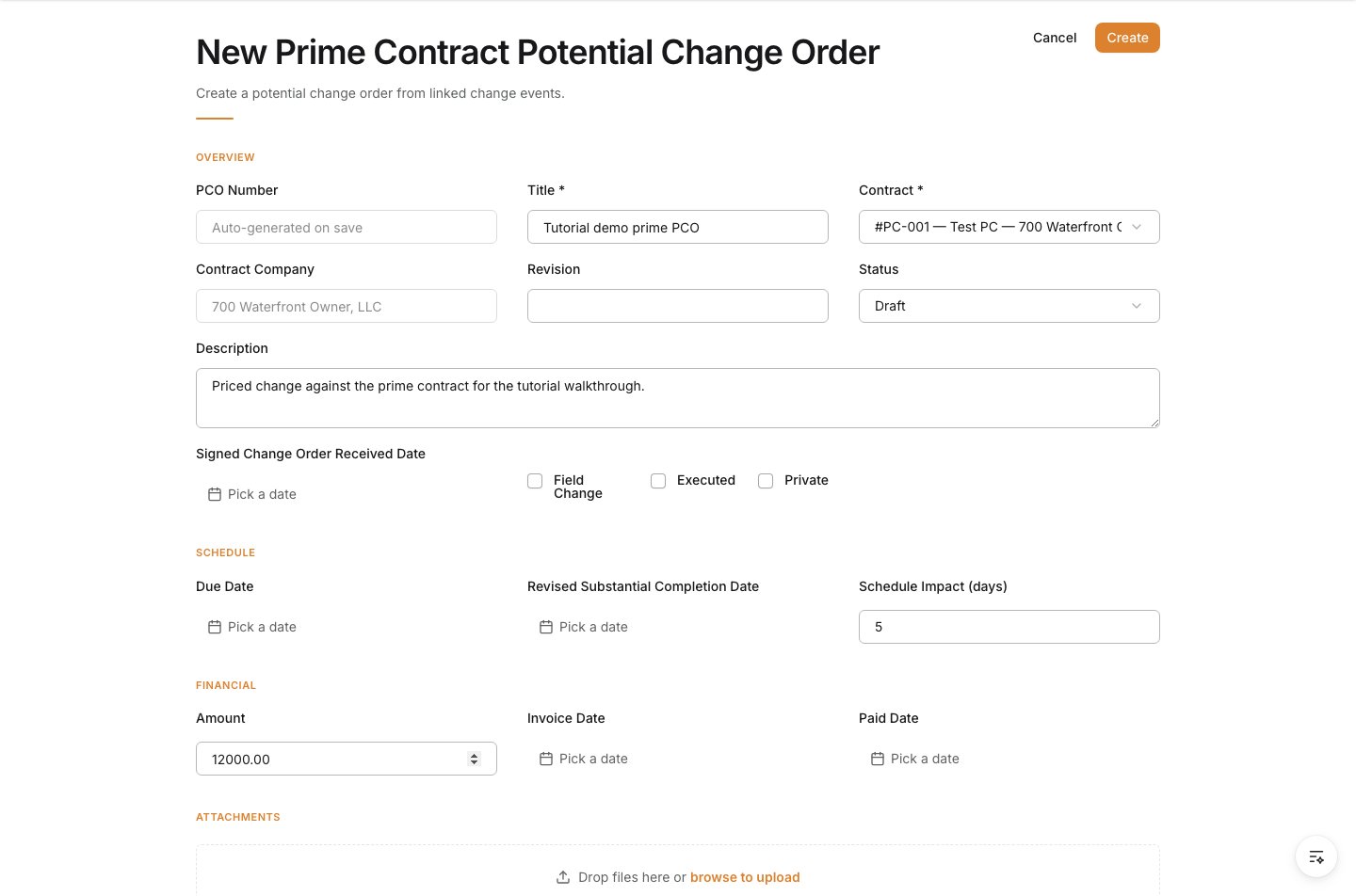
6
Attach supporting documents
Upload the backup the owner-side review needs, such as RFIs, drawings, quotes, or narrative support.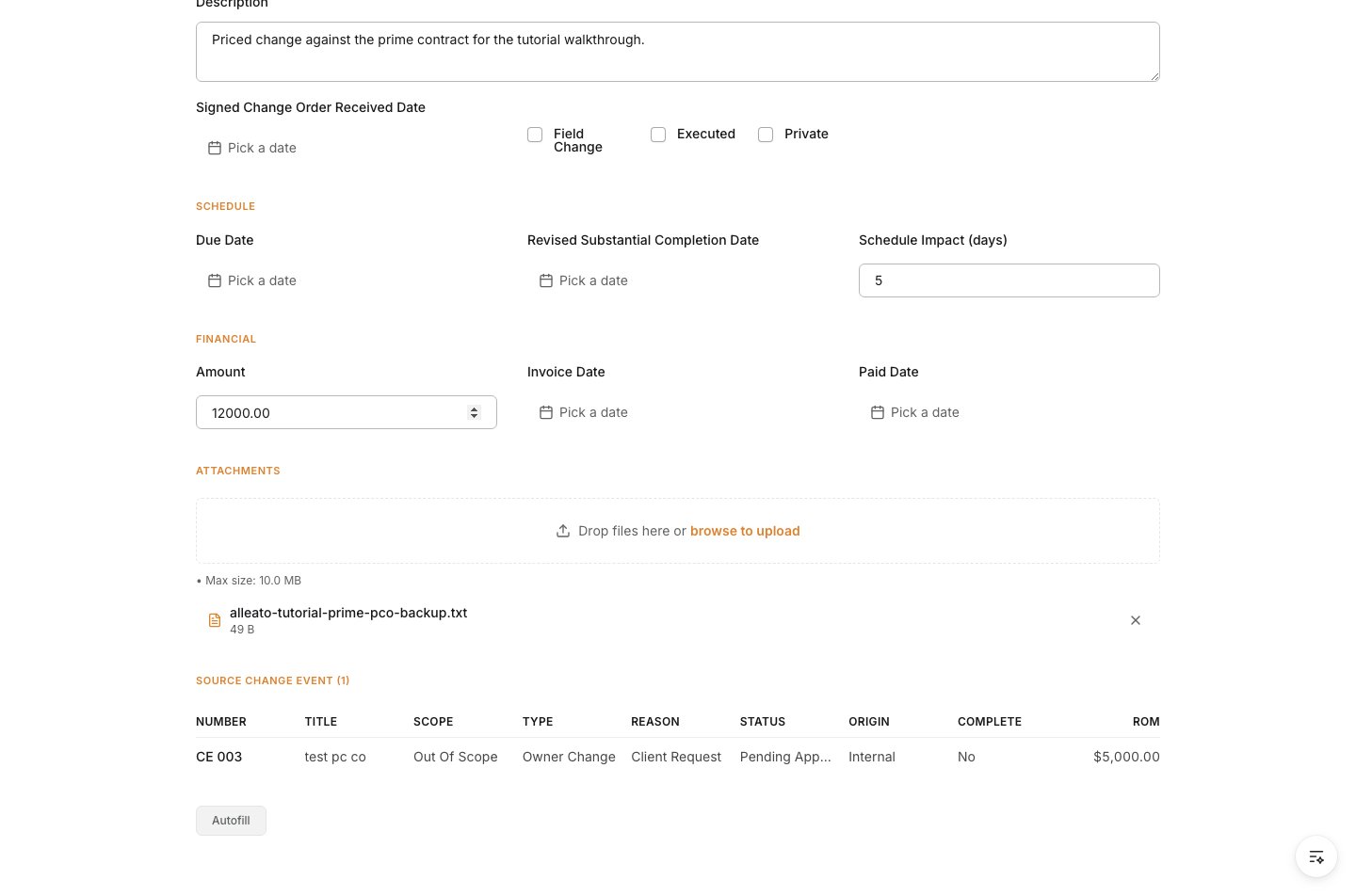
7
Create the Prime PCO
Review the form, then click Create.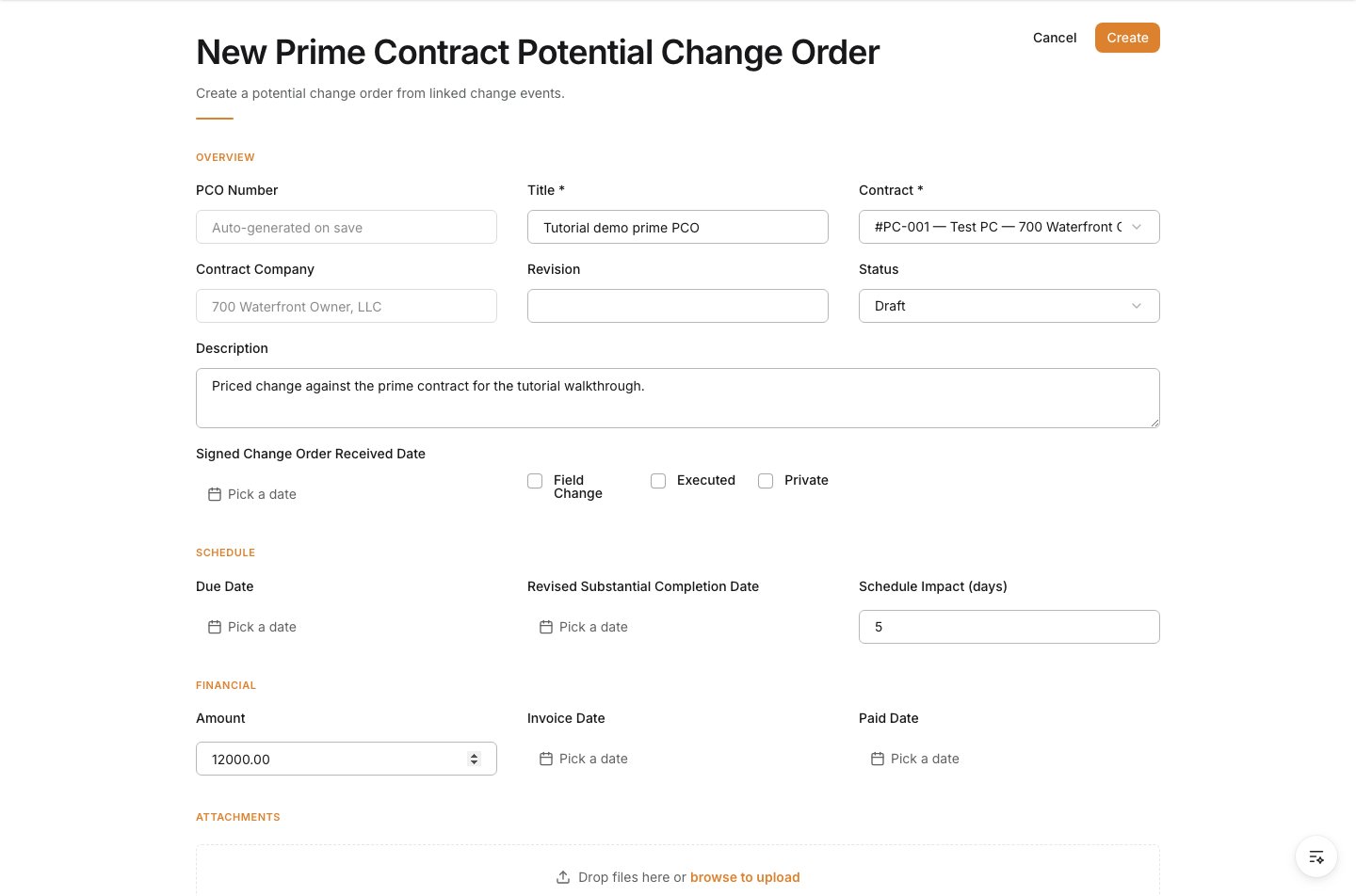
Verify the result
Confirm the Prime PCO is saved against the correct prime contract and still shows the source change event that created it.Troubleshooting
- The wrong contract is selected: Stop and correct the contract before the PCO is shared or assembled into an owner change order.
- The source change event is missing: Start from the change event again instead of creating the record as a disconnected owner-side request.
- The owner amount is not final: Save only when the owner-facing pricing is ready for review.