

Manage what the AI remembers
Review, add, edit, and delete the facts and preferences Ask Alleato remembers about you across sessions.1. Understand what gets remembered
The assistant remembers durable, reusable facts across sessions — your preferences (“summaries in bullet points”), focus areas (“I care about Vermillion Rise”), role context (“I review change orders weekly”), and lessons you explicitly tell it to keep. It does not save one-off questions or transient context. Memories persist across every entry point: the full-screen assistant, the inline sidebar, and the floating pill. Expected result: You know which kinds of facts the assistant stores.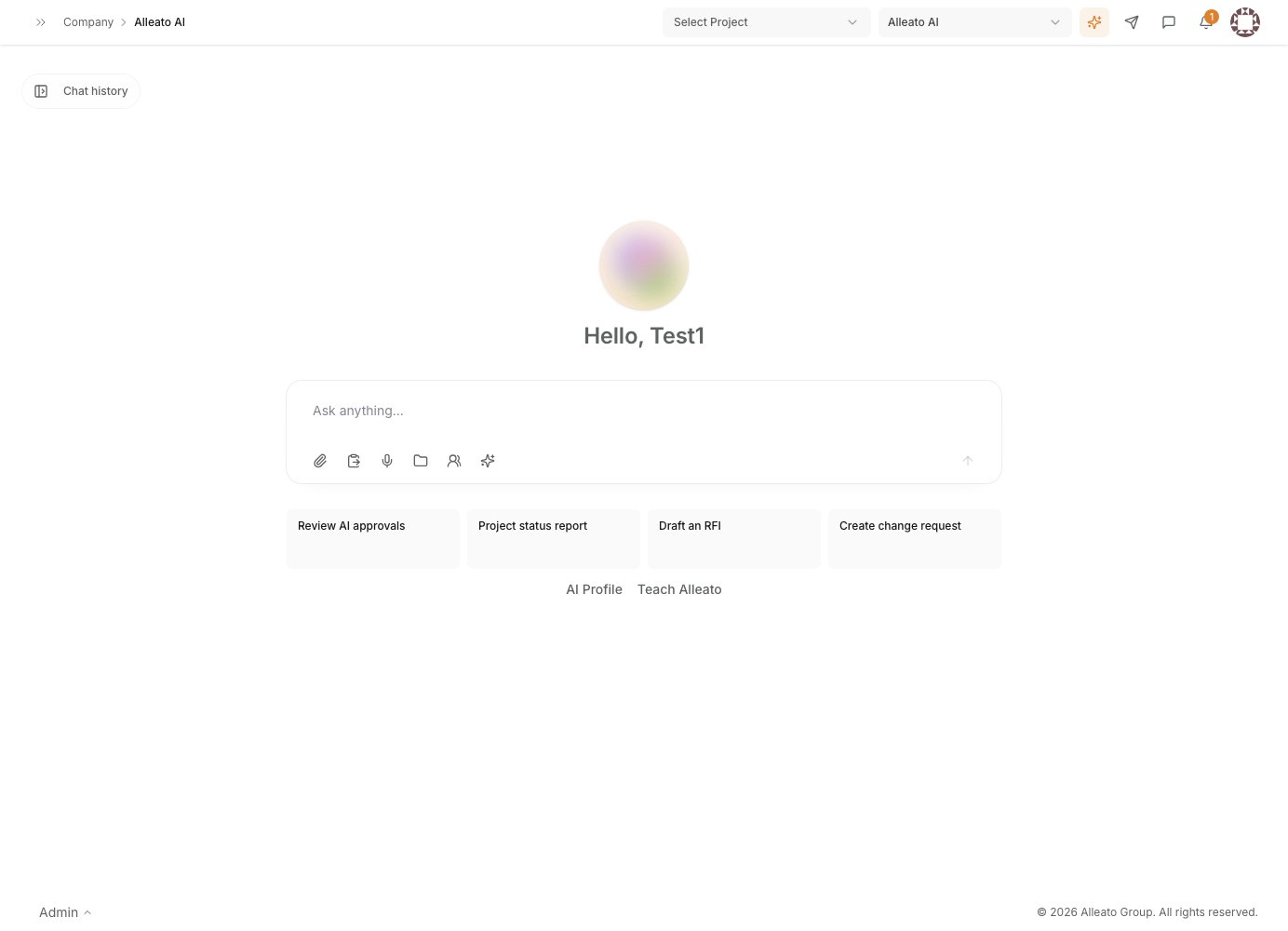
2. Explicitly save something
In chat, tell the assistant to remember anything durable, for example: “Remember that our standard retainage is 10% through substantial completion.” The assistant confirms what it saved, and that fact becomes available to the assistant in future sessions. Expected result: The assistant confirms the new memory and will use it going forward.3. Open your AI memory
Go to your AI profile and memory settings at/ai/profile. You can also ask the assistant directly, “what do you remember about me?”
Expected result: You see your stored memory records, each showing the fact, the date it was learned, and the source conversation.