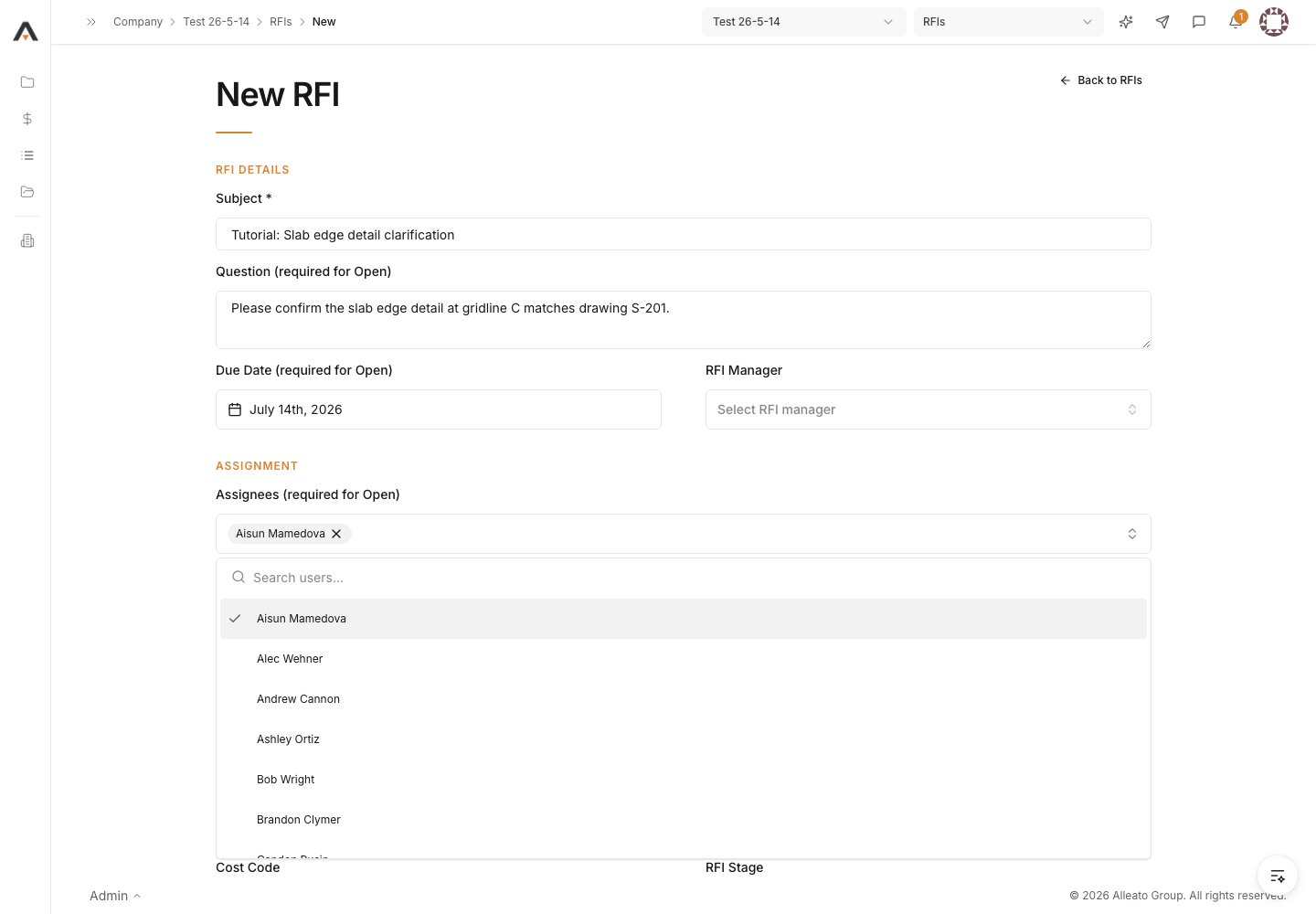
1. Open the New RFI form
From the project’s RFIs log, start a new RFI to open the New RFI form. Expected result: The New RFI form opens with a Back to RFIs link.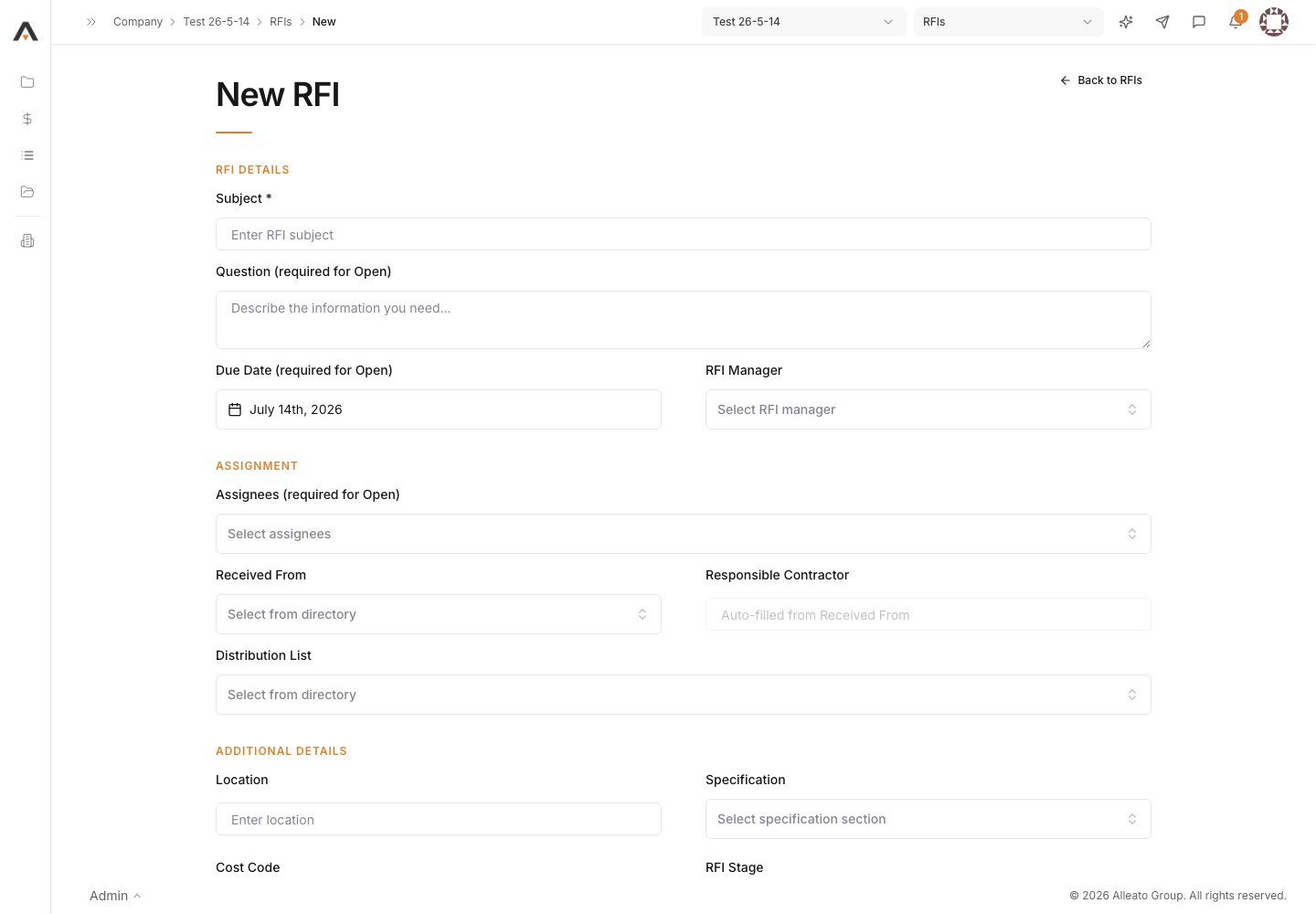
2. Enter the question
Fill in Subject (required) and the Question (required for Open). The Question field describes the information you need. Expected result: The subject and question are captured for the RFI.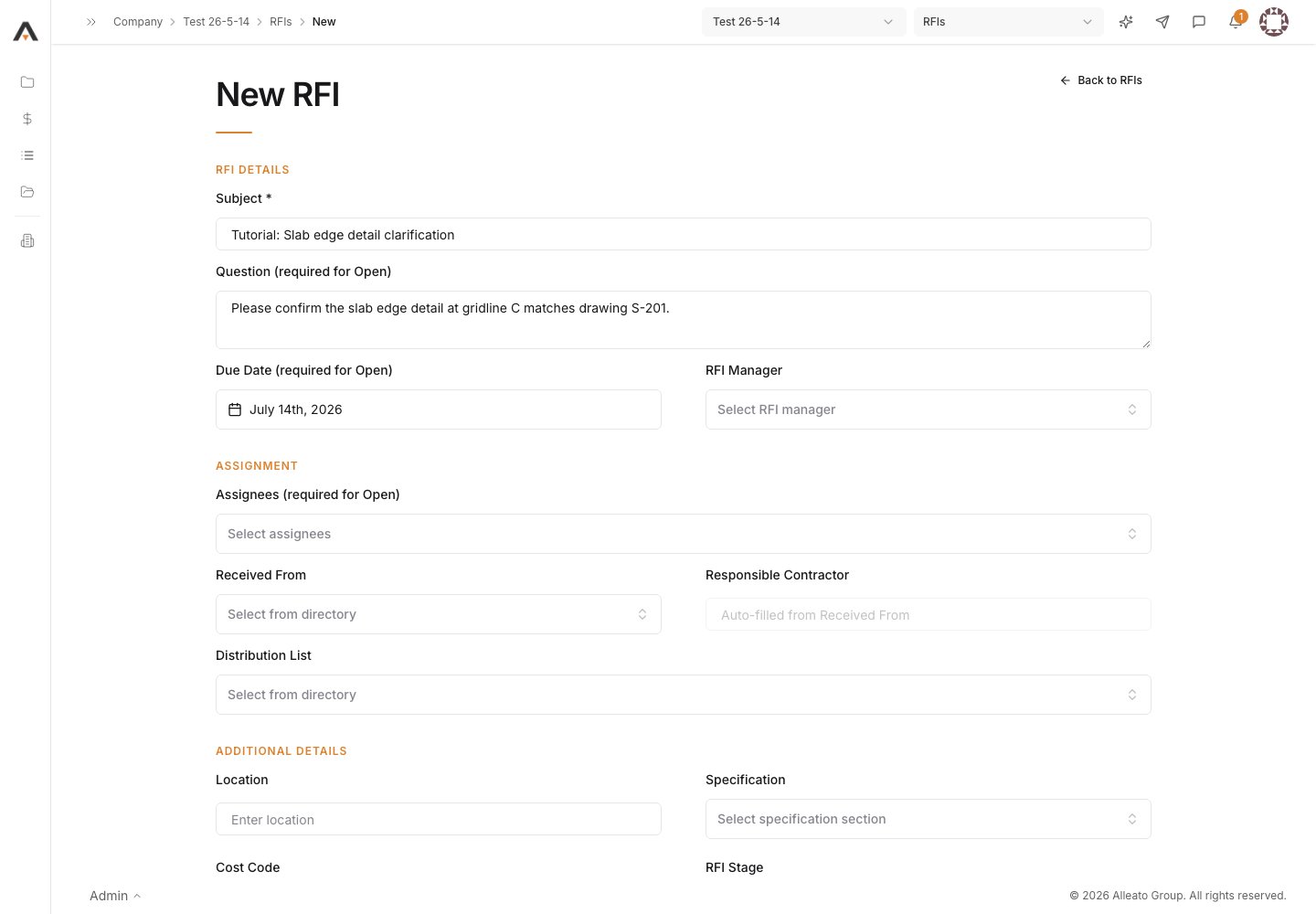
3. Set assignees and due date
Set Assignees (required for Open) — these are the people who will answer — and the Due Date (required for Open). Assignees and distribution recipients are picked from the project directory. Expected result: The RFI has at least one assignee and a response due date.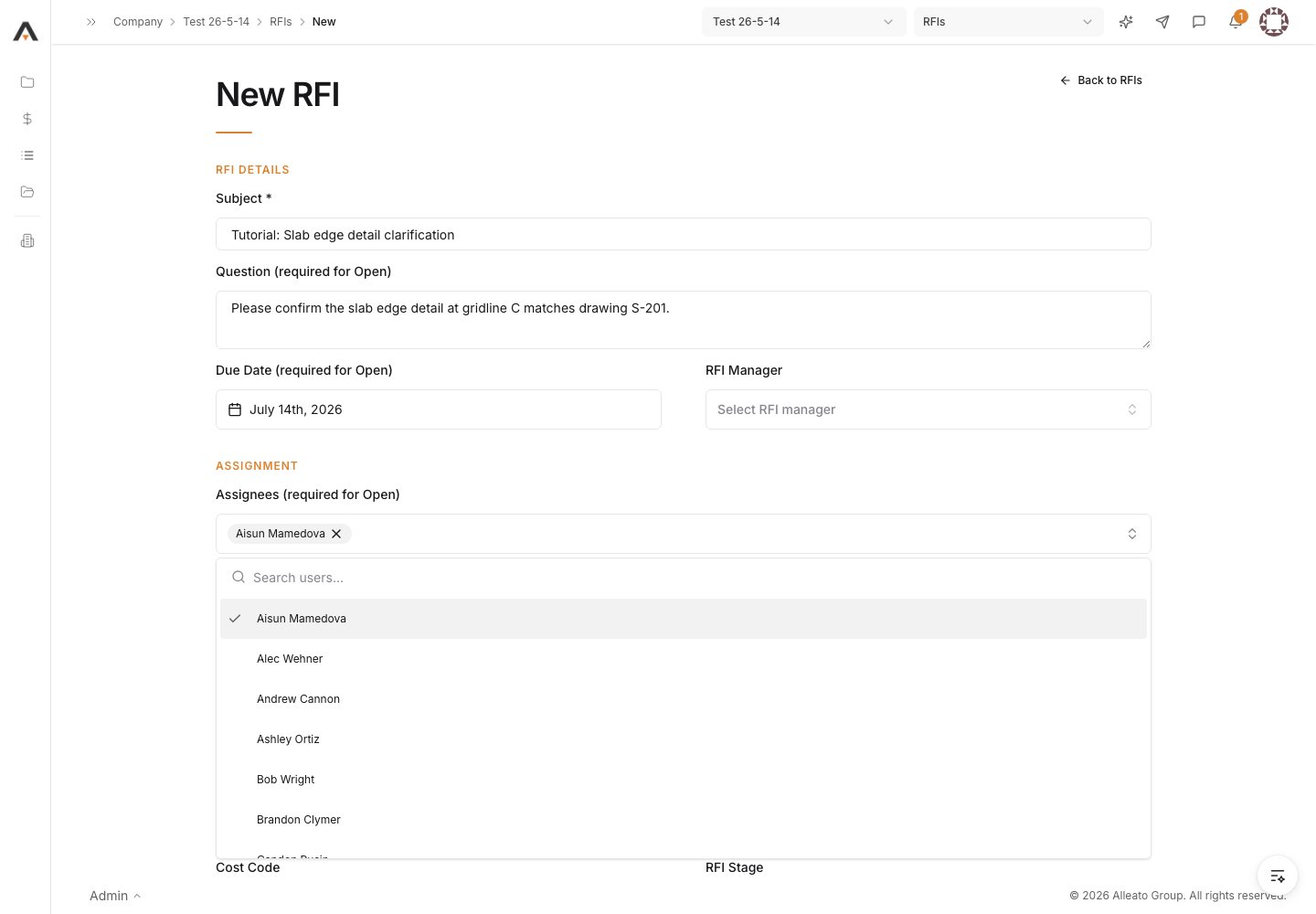
4. Add optional details
Optionally fill in RFI Manager, Received From, Responsible Contractor, Distribution List, Location, Drawing Number, Specification, Cost Code, Reference, and the Schedule Impact / Cost Impact selectors. Expected result: Supporting context is recorded so the assignee can answer accurately.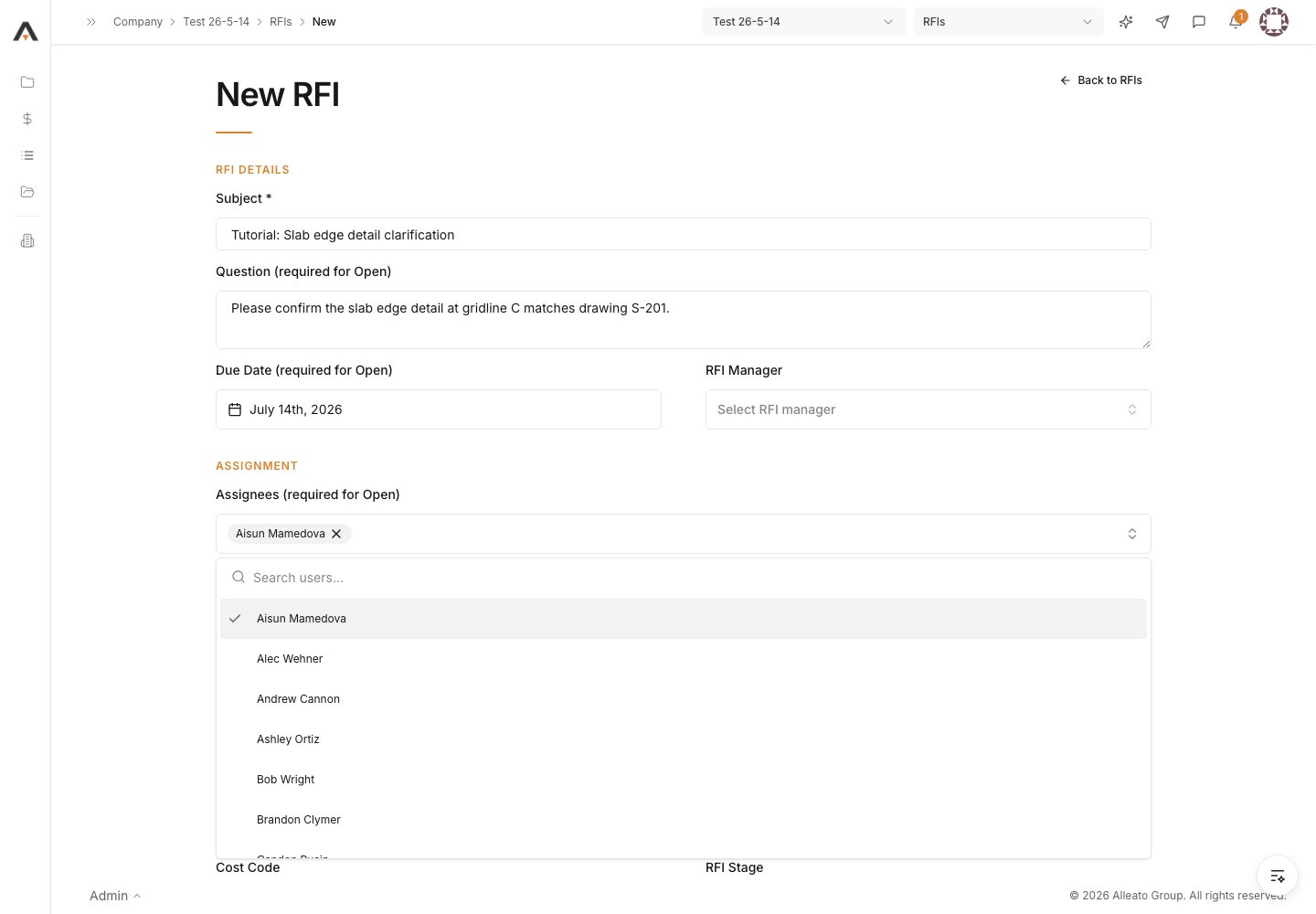
5. Choose how to save
Select Save as Draft to keep the RFI private and unsent, or Create as Open to submit it. The required fields (Question, Assignees, Due Date) are enforced only when creating as Open. Expected result: A draft is held without notifying anyone, or an Open RFI is created and you return to the RFIs log.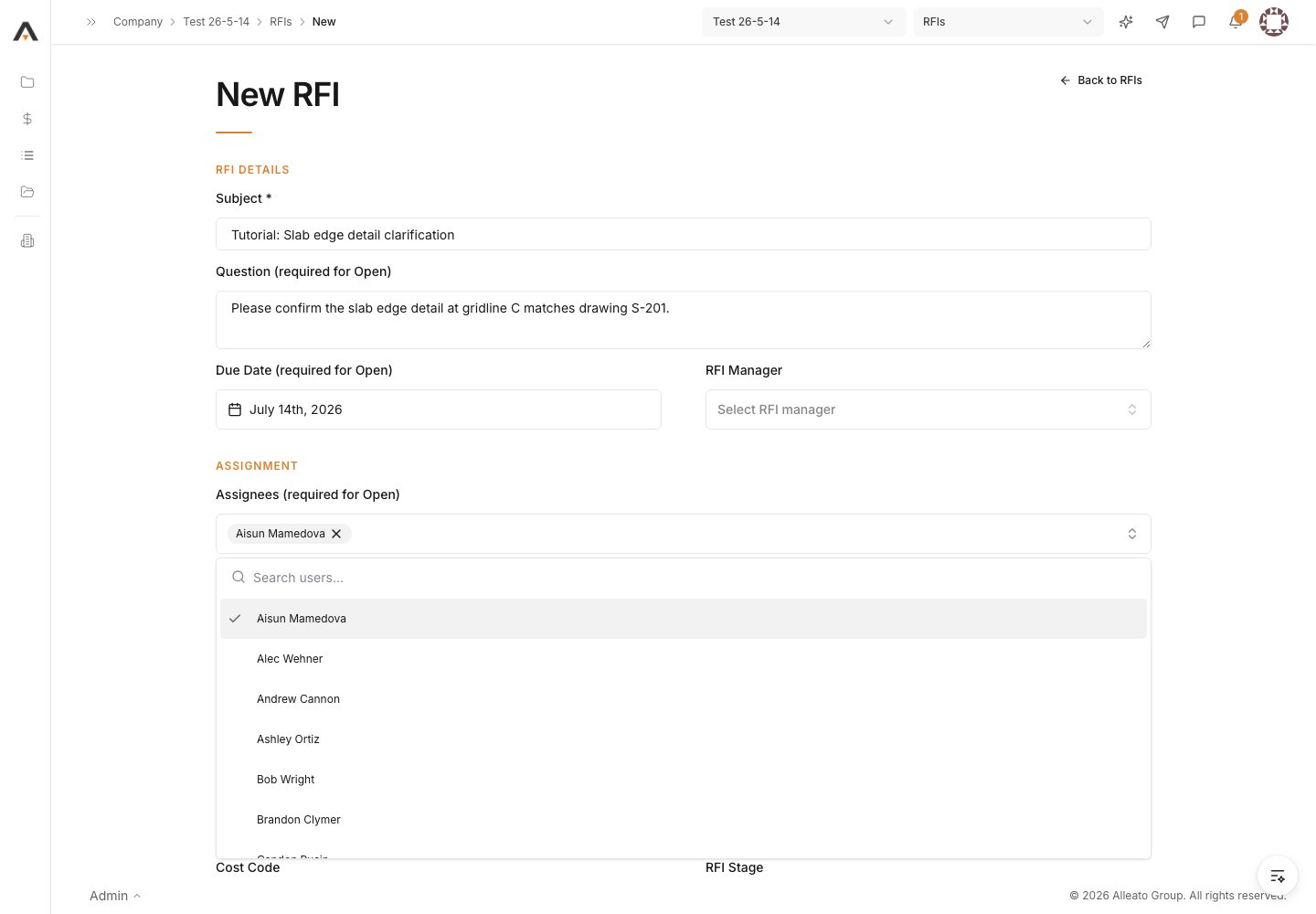
6. Confirm distribution
When the RFI is created as Open (or a draft is later moved to Open), it is distributed by email to the resolved recipients — assignees, distribution list, and RFI manager. Each recipient’s email contains a secure link to respond with no login required. Expected result: Assignees receive the RFI email with a response link; the RFI appears in the log with status Open.