1. Open the Budget
Select the project, then open Budget from the project sidebar. Expected result: The budget table loads with its line items.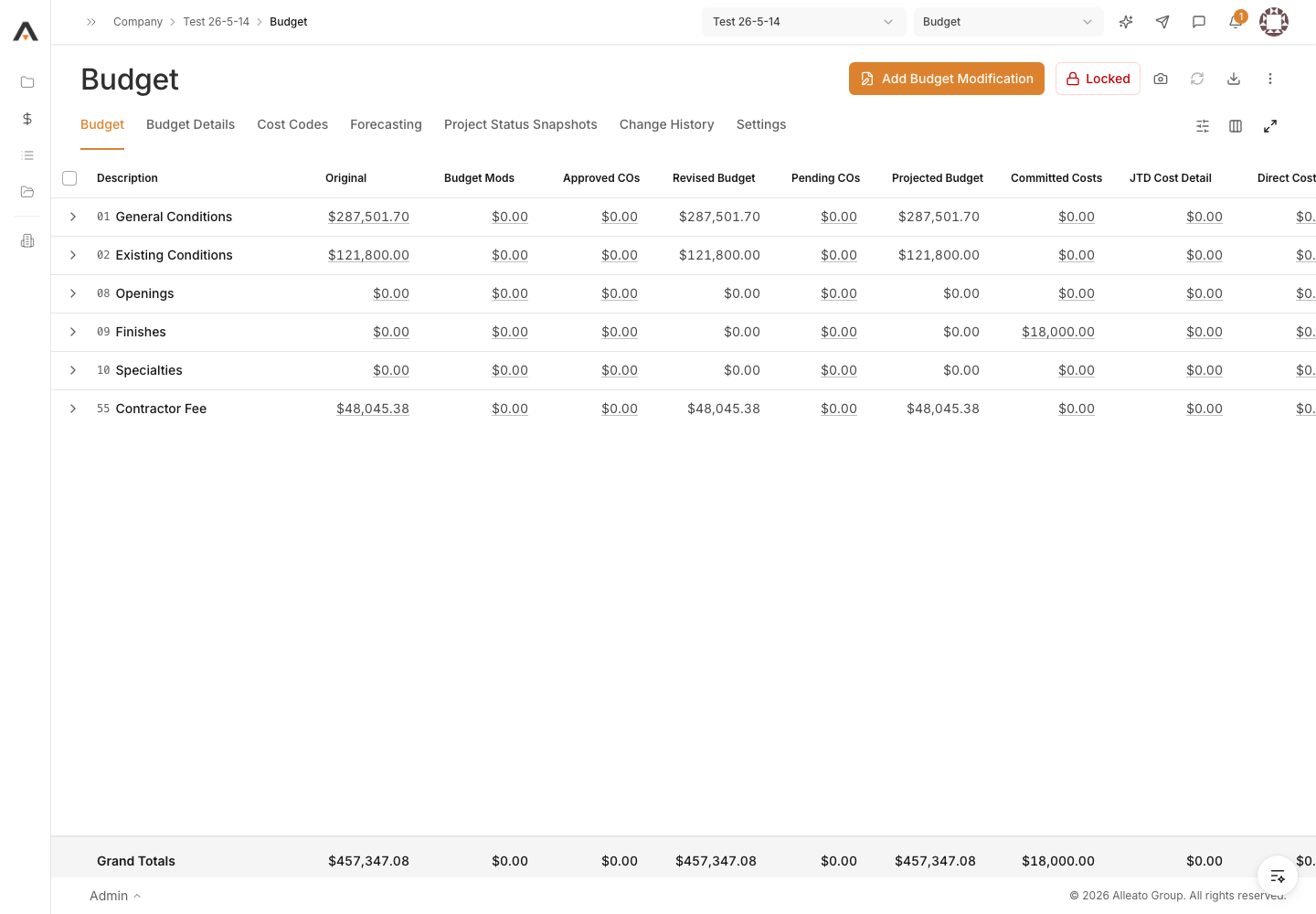
2. Open Add Budget Modification
Select Add Budget Modification in the budget header. Expected result: The Add Budget Modification dialog opens with a single transfer row.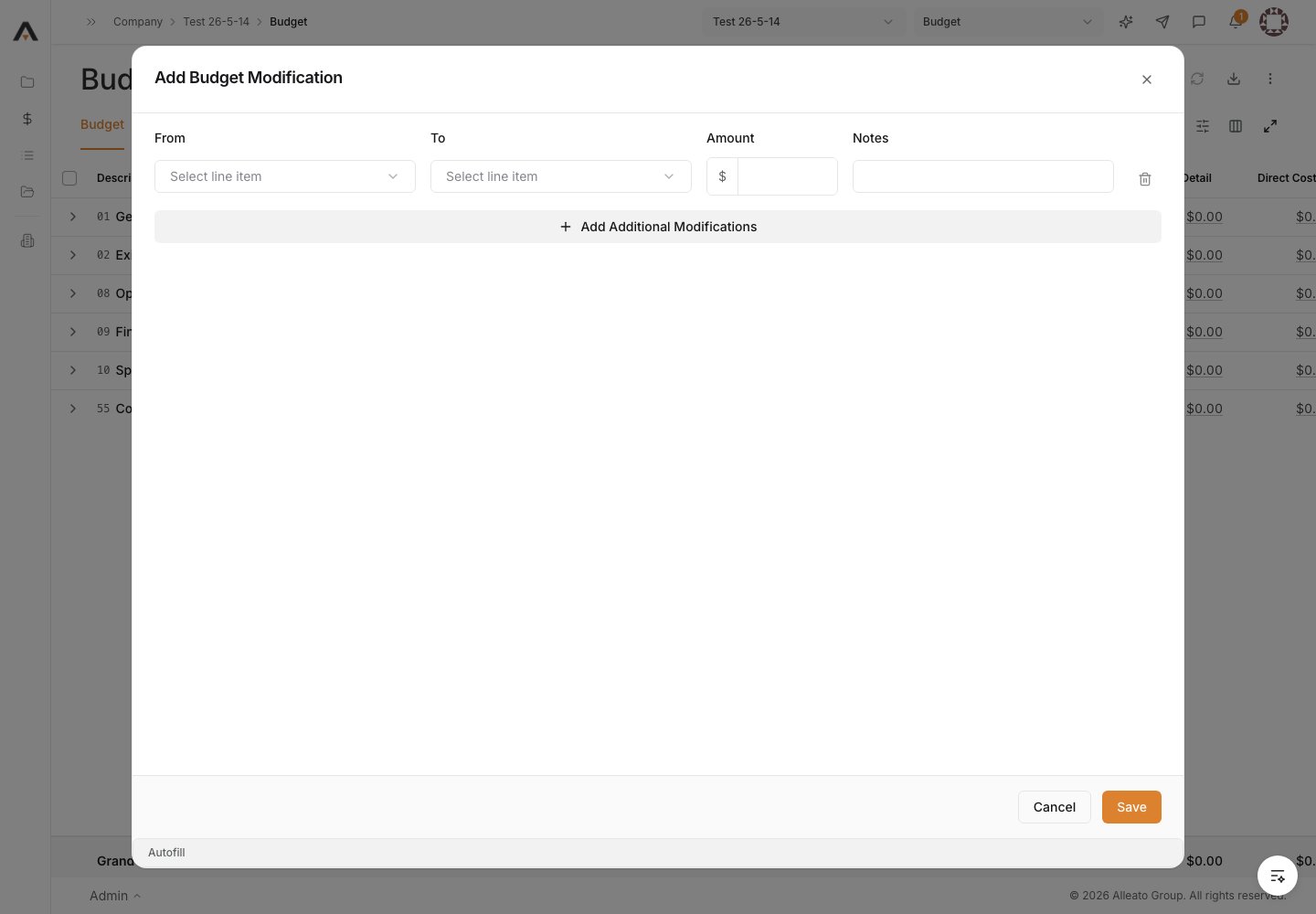
3. Choose the From and To lines
In the row, set From to the budget line giving up money and To to the budget line receiving it. The From and To lines must be different. Expected result: Both line items are selected and differ from each other.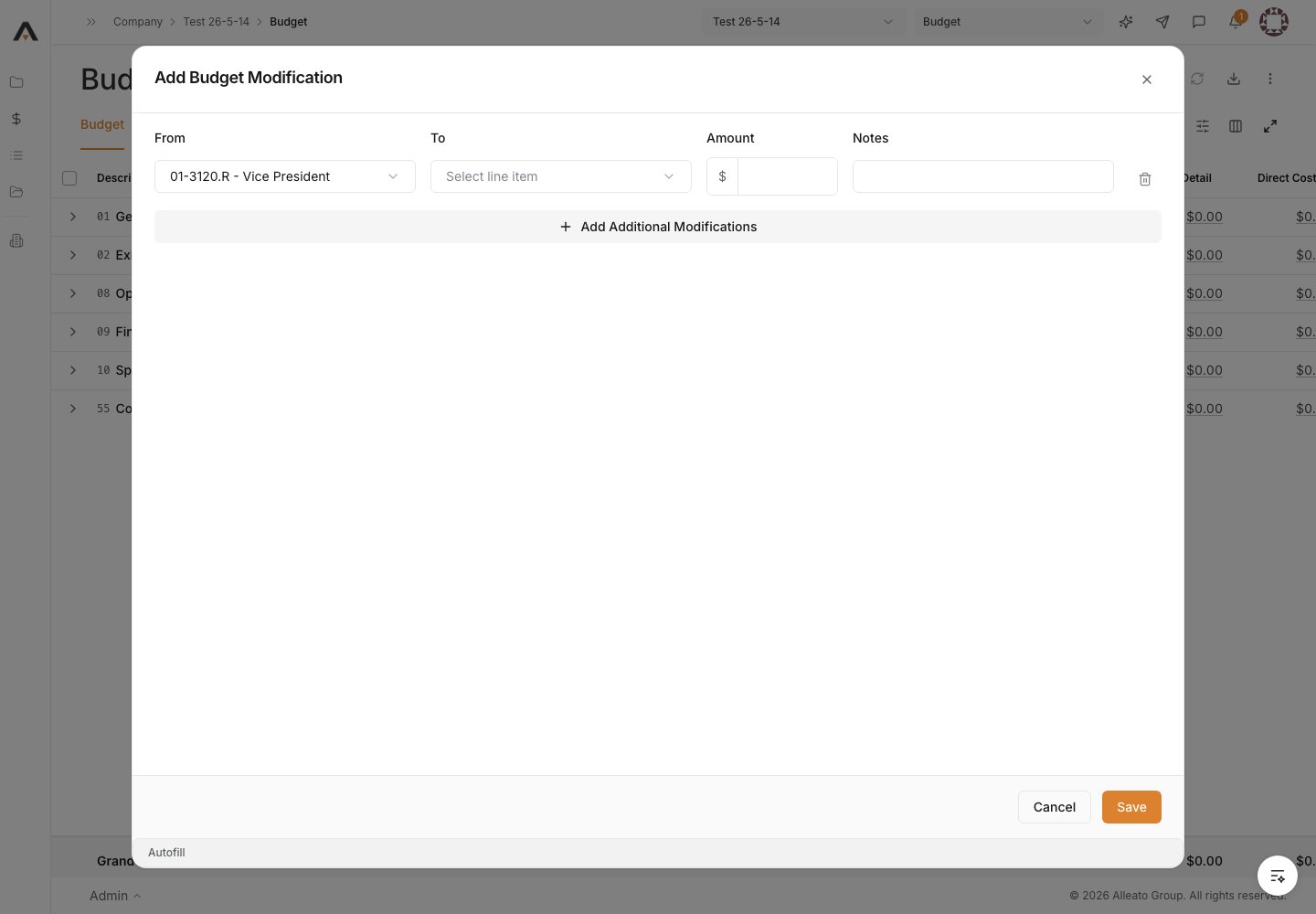
4. Enter the amount and notes
Enter the transfer Amount (greater than zero) and add Notes describing the reason for the modification. Expected result: The amount and notes are filled in for the row.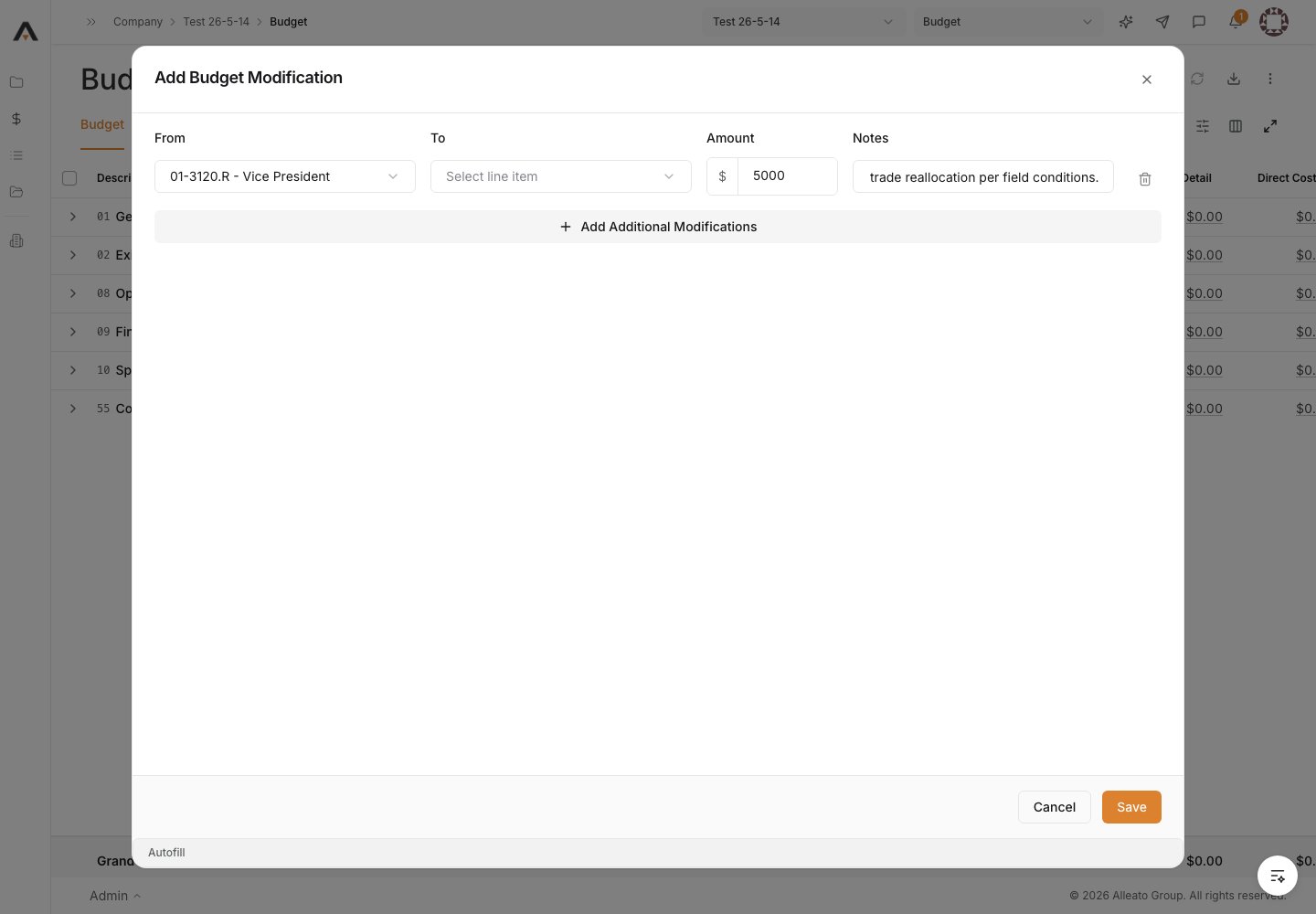
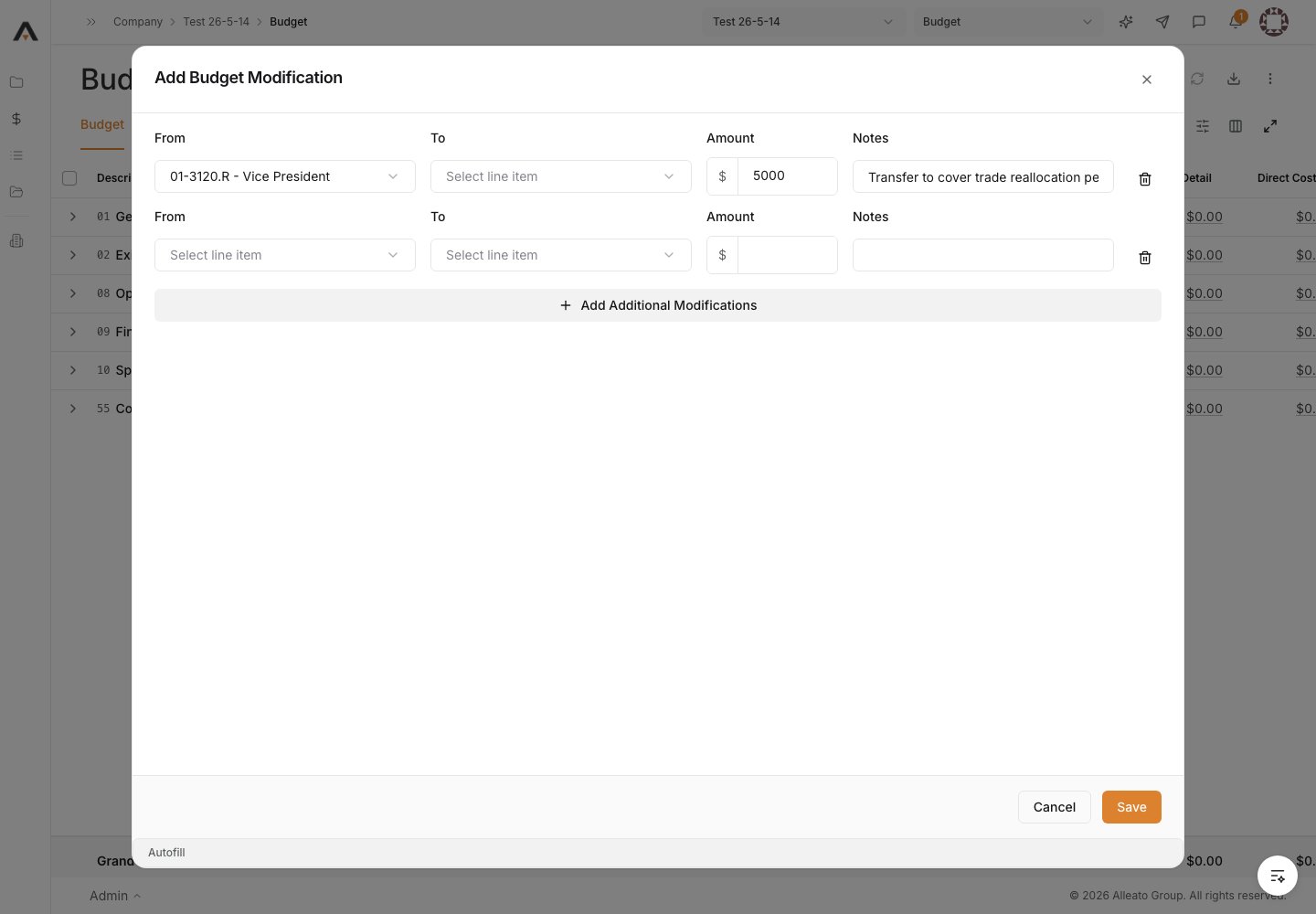
5. Add more transfers if needed
Select Add Additional Modifications to add more transfer rows, and complete From, To, Amount, and Notes for each. Expected result: Every row has a valid From, To, and amount.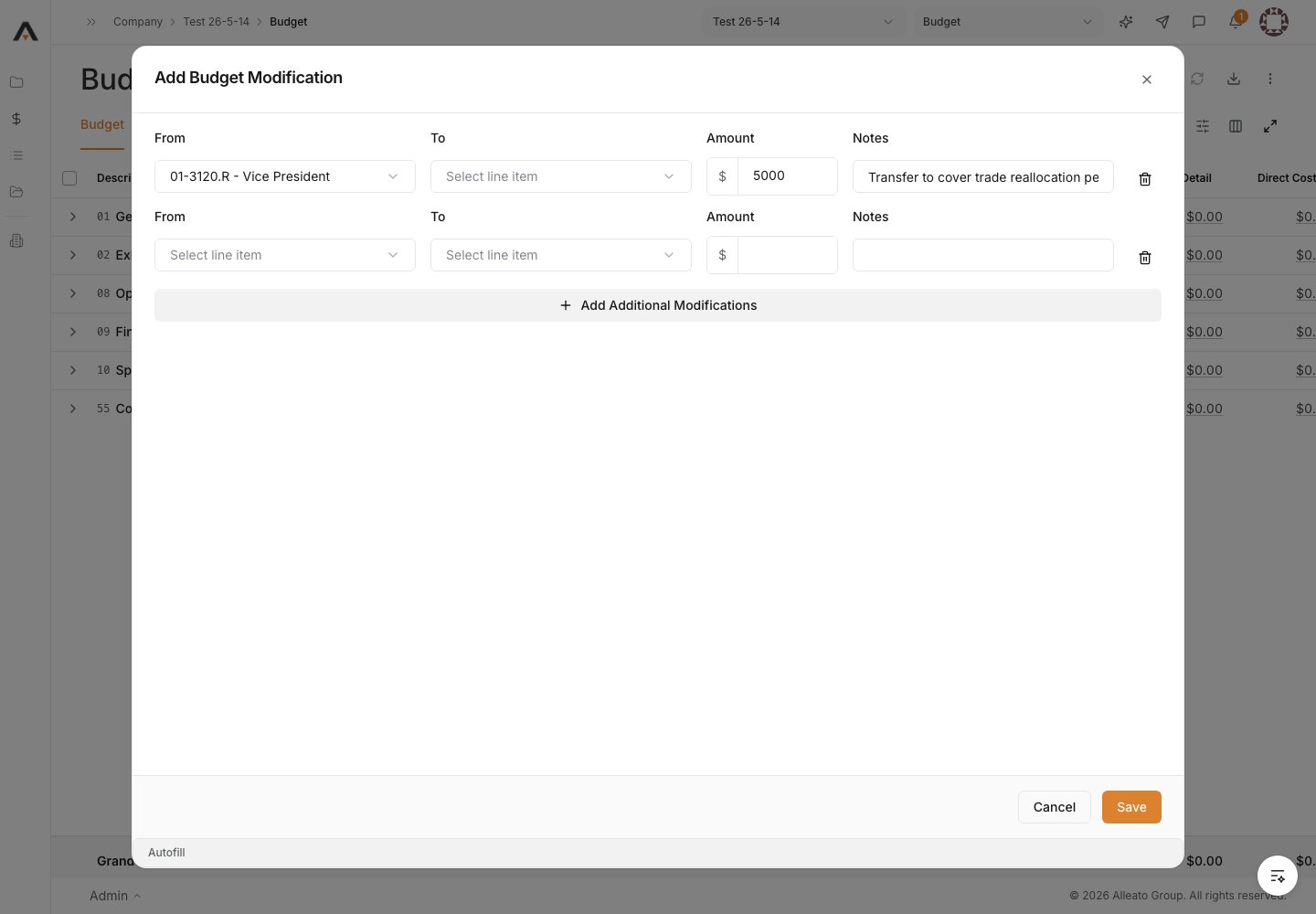
6. Save the modification
Select Save. Expected result: The budget modification is created as a draft. Only approved modifications change the Revised Budget — the draft must still be approved to take effect.